
 ENGLISH (US)
 ESPAÑOL
How to use AI TeamUp for Article outliner
Welcome to the guide on using AI TeamUp for Article Outliner. This tutorial will walk you through the steps required to effectively outline your articles using AI TeamUp, ensuring organized and structured content creation.
Go to aiteamup.com
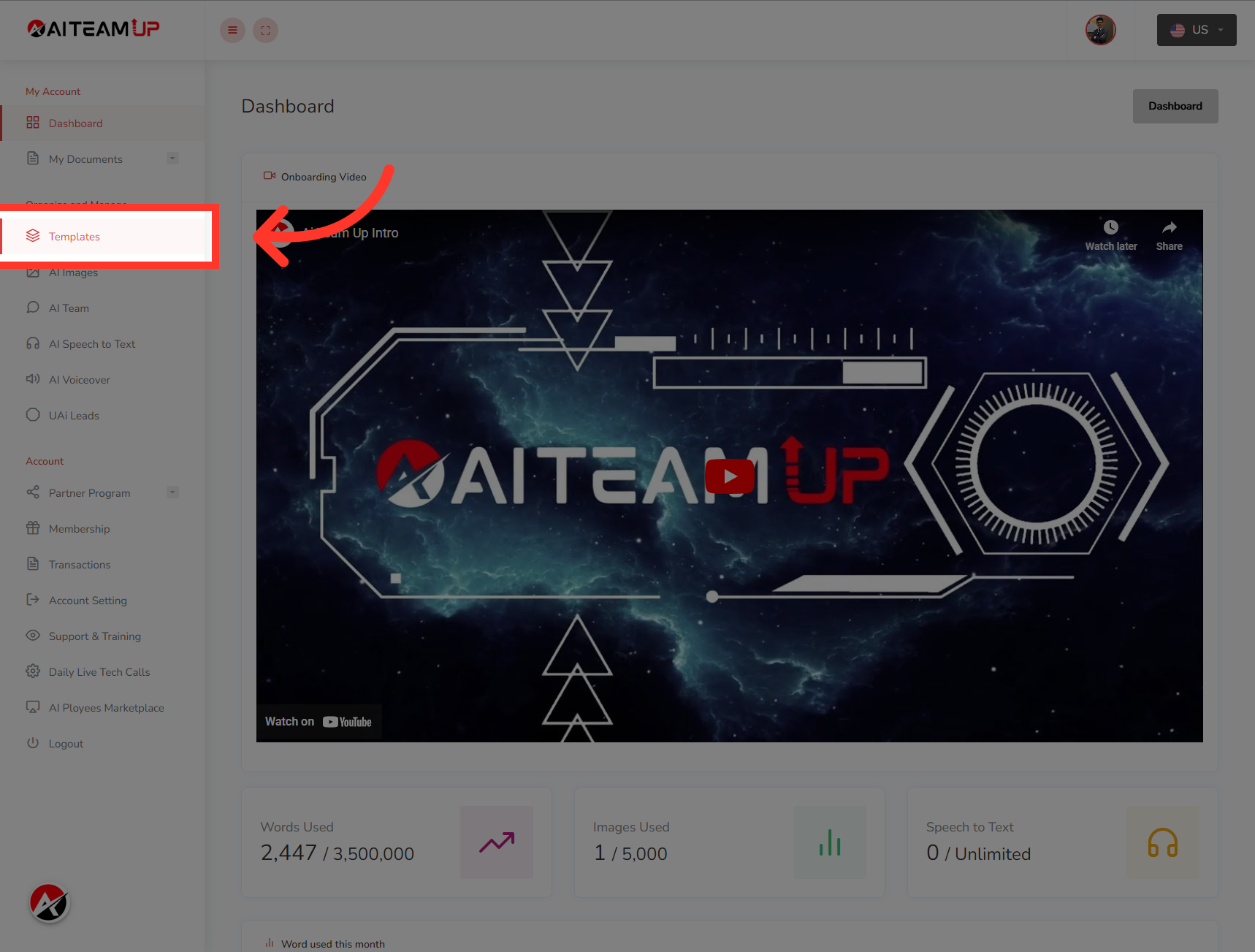
1. Click "Templates"
Login to your AI TeamUp account and Access the Templates section.
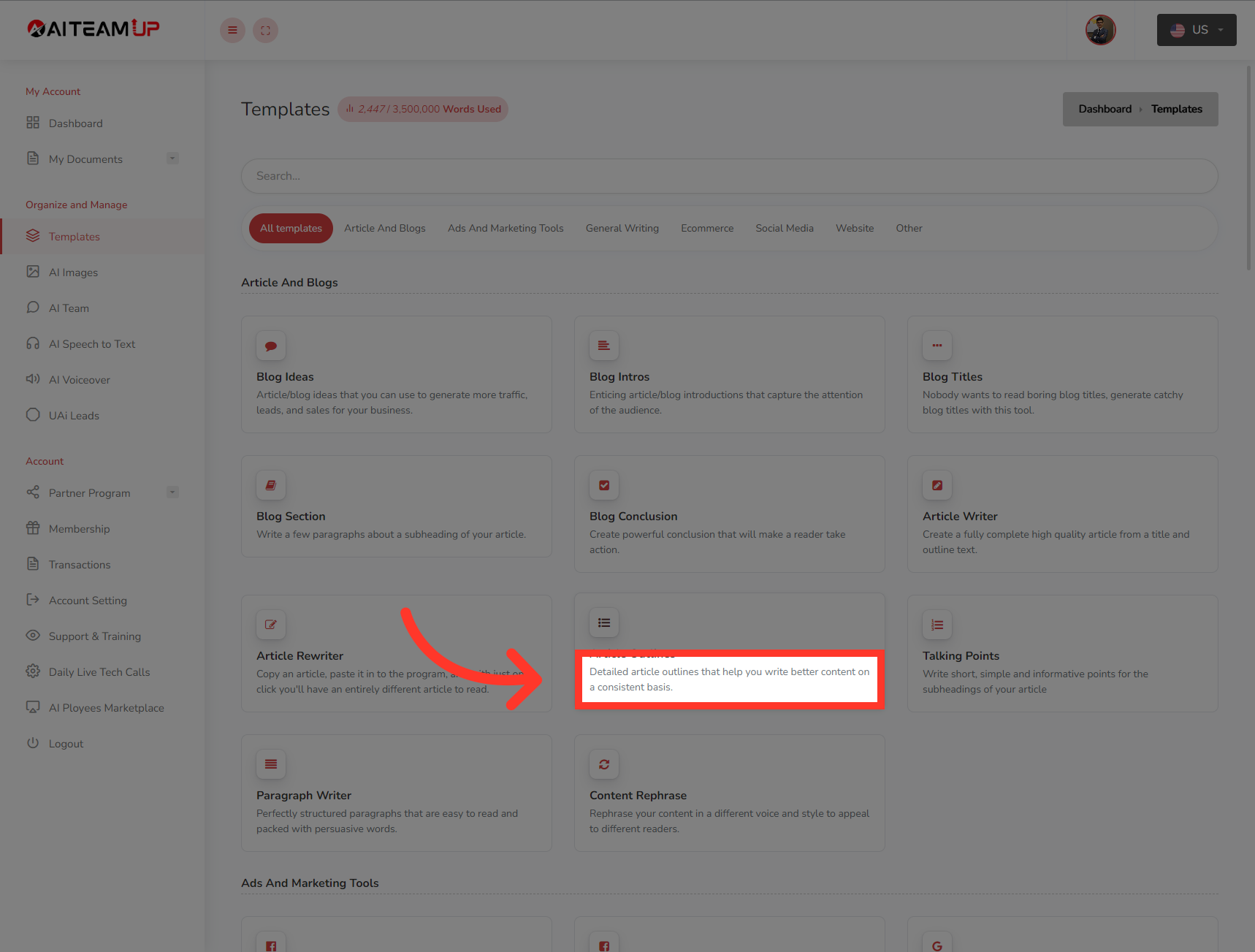
2. Select a detailed article outline template.
Select a detailed article outline template.
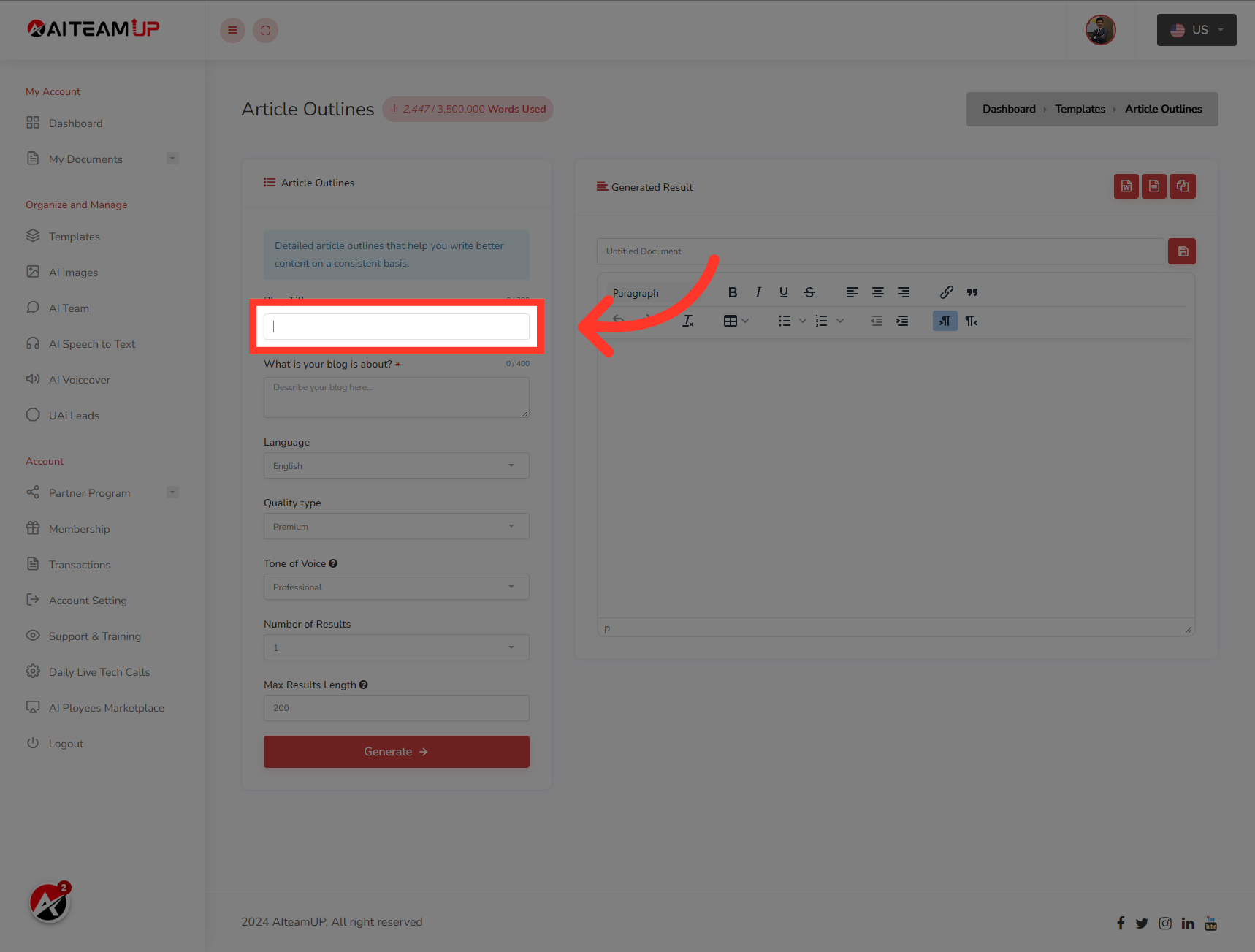
3. Insert your blog title on this field.
Insert your blog title on this field.
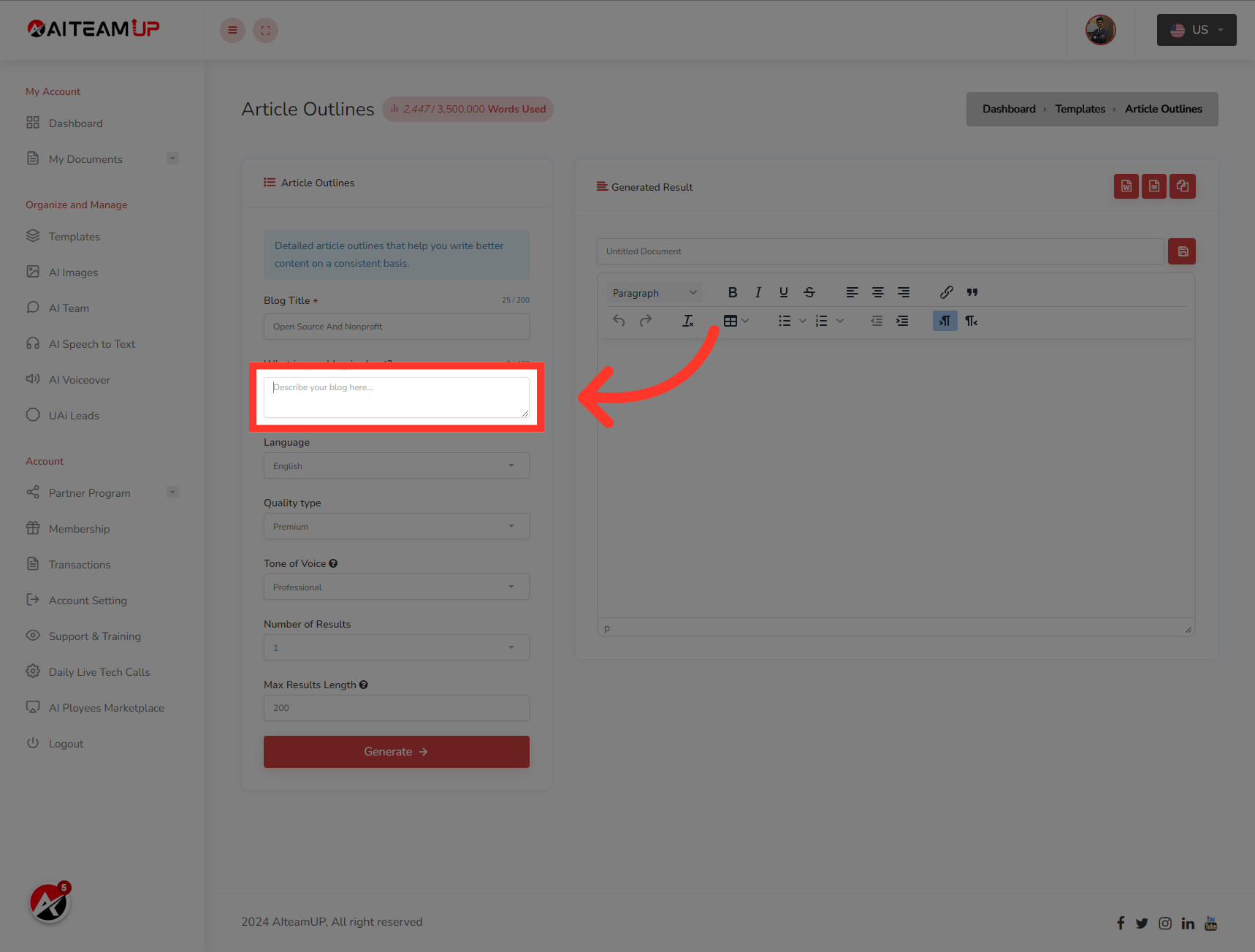
4. In this field Insert the description for your blog.
In this field Insert the description for your blog.
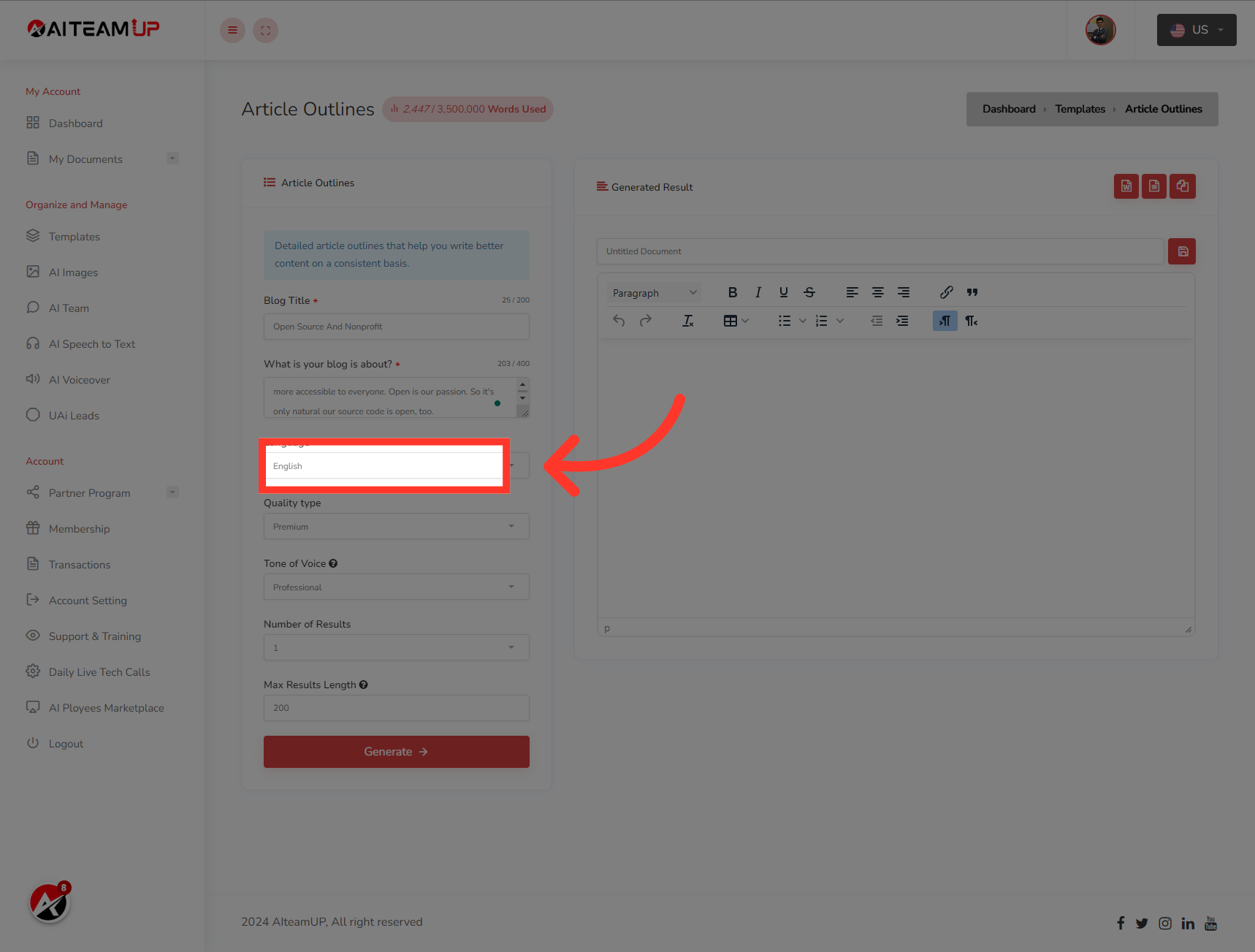
5. Select your preferred Language
Select your preferred Language
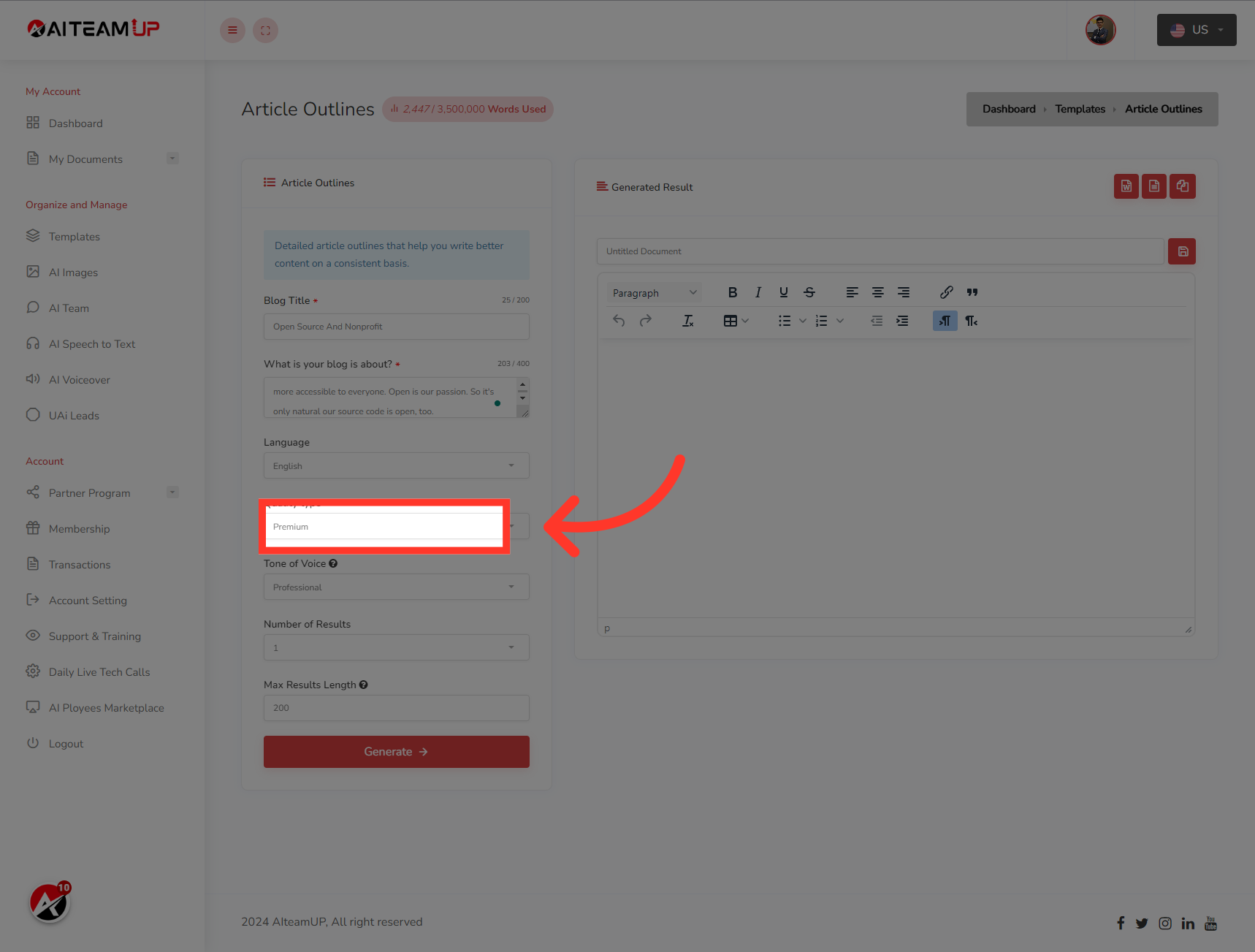
6. Choose the types of output you like.
Choose the types of output you like.
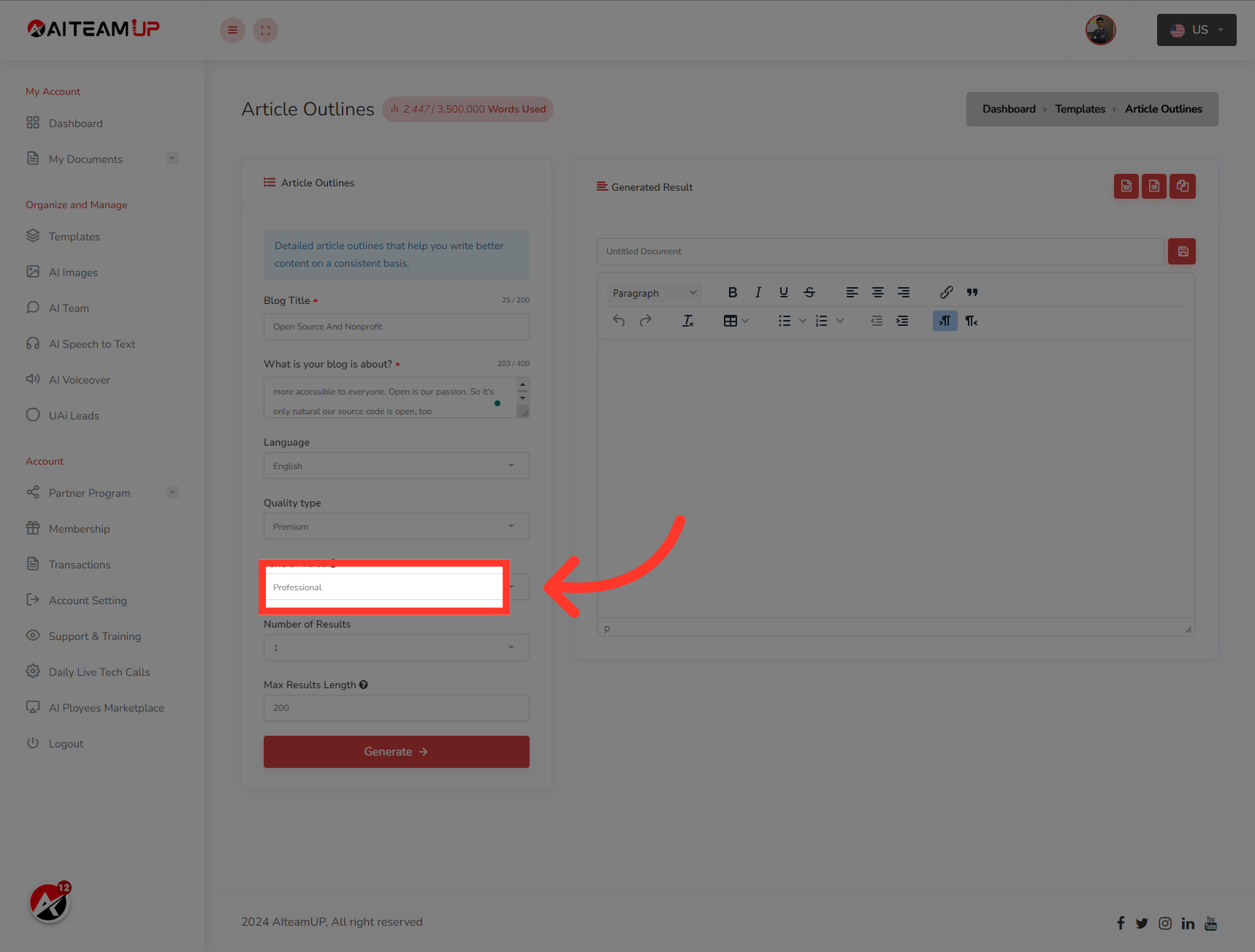
7. Select your preferred output tone of voice.
Select your preferred output tone of voice.
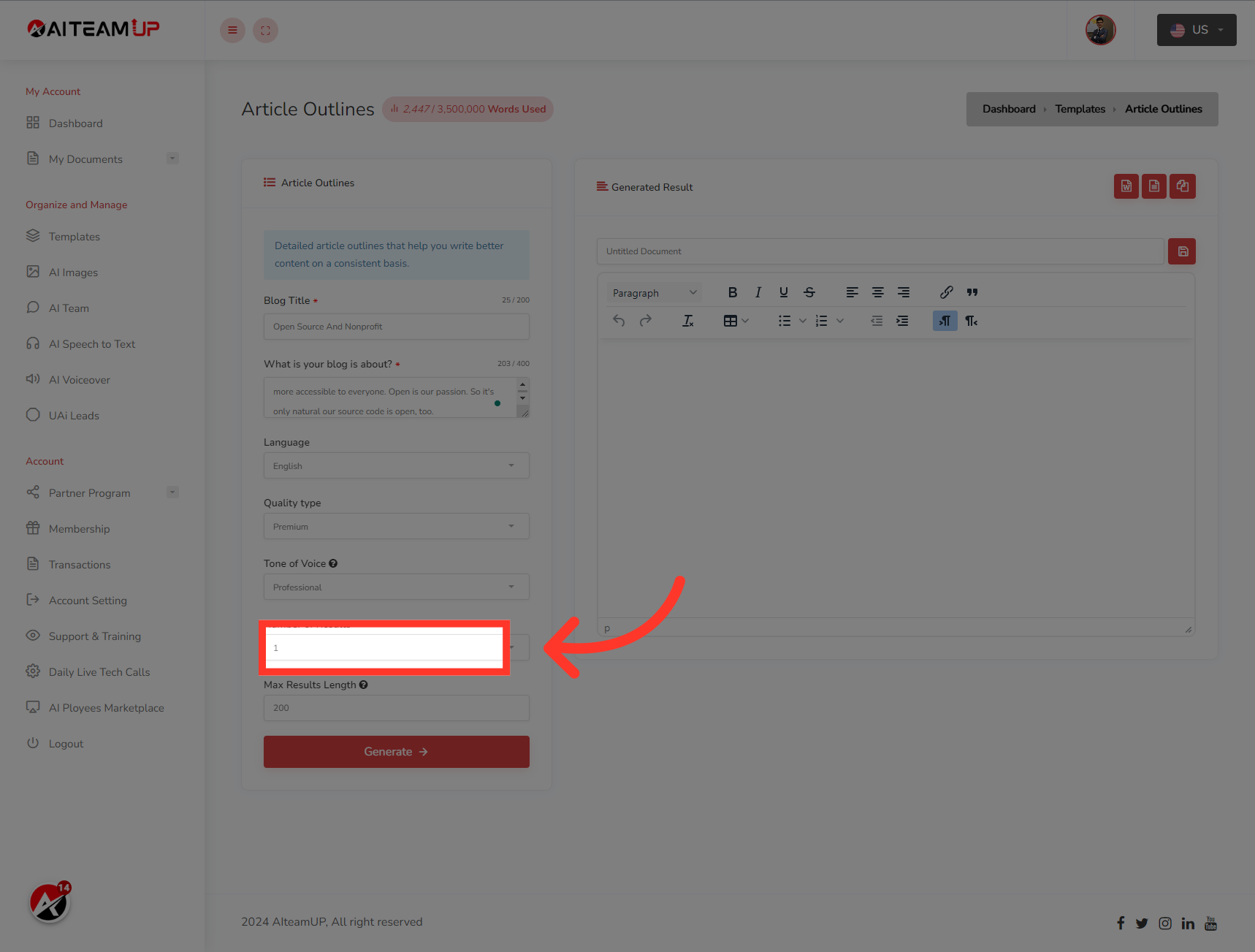
8. Select the number of results and variations you would like to generate.
Select the number of results and variations you would like to generate.
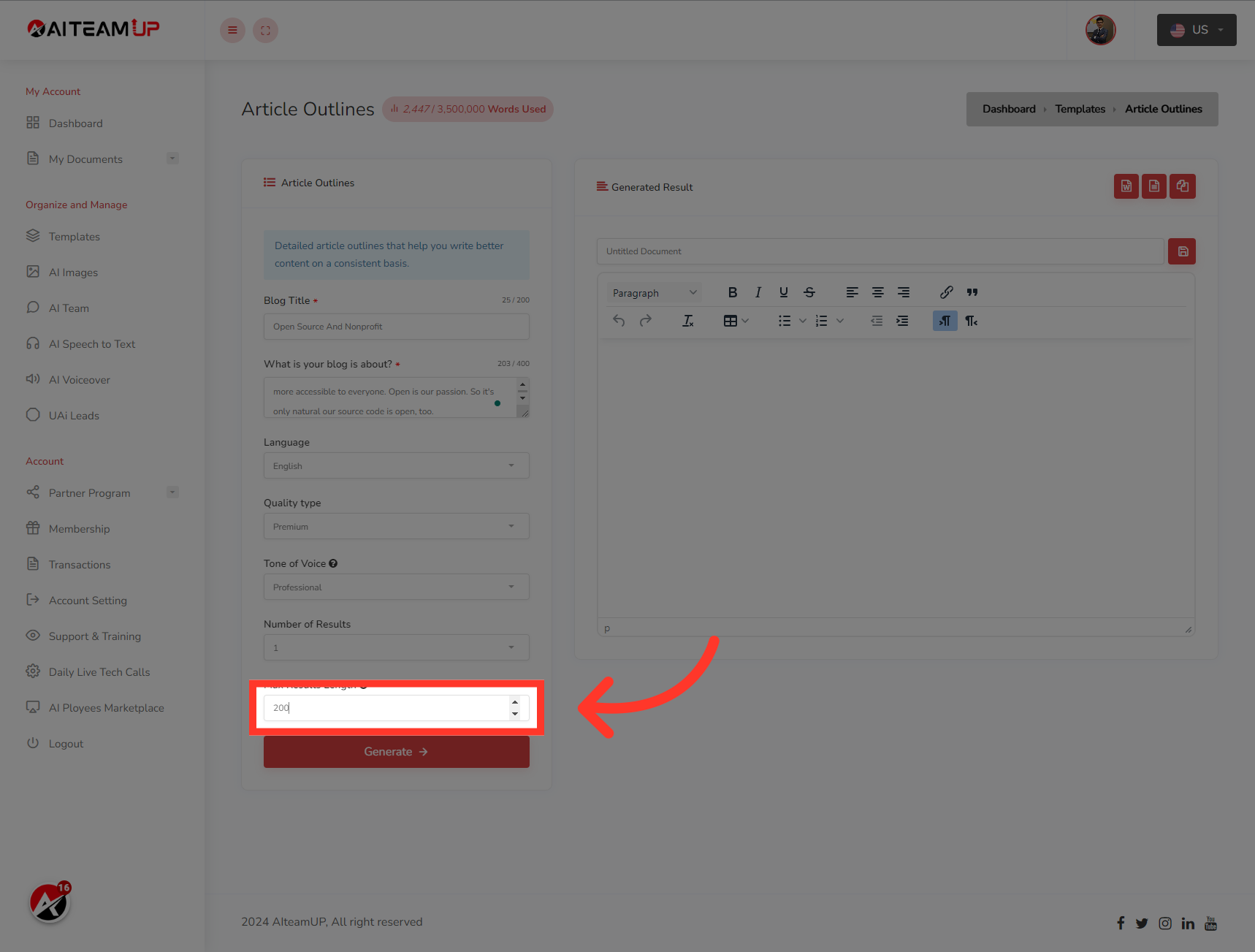
9. Input the result length as you like.
Input the result length as you like.
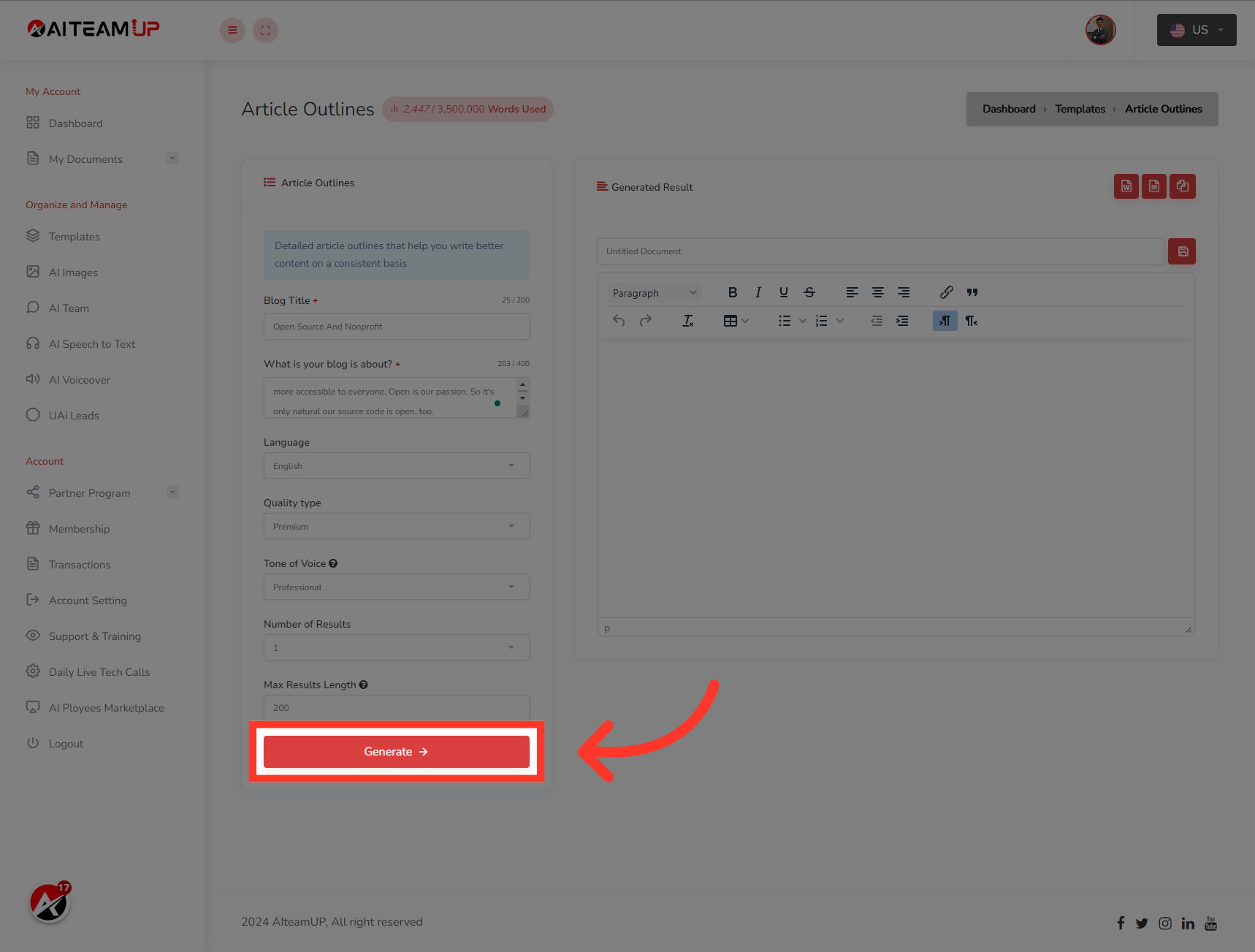
10. Click "Generate"
Click on "Generate."
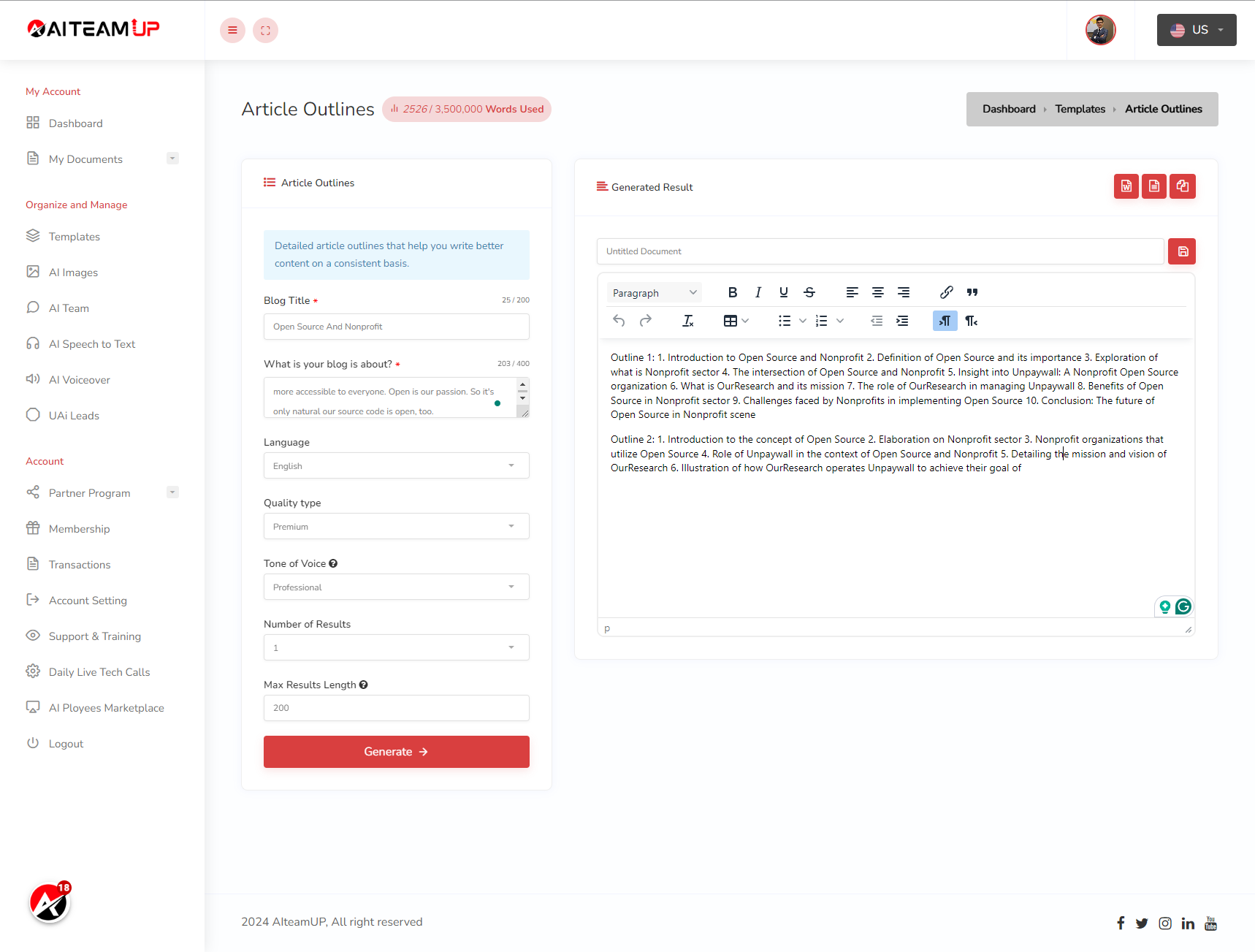
11. Switch to here
After that, you will be able to see the generated result on the right side.
This guide covered accessing templates, selecting detailed article outlines, providing specific information, choosing language and subscription options, and generating outlines in AI TeamUp for efficient article structuring.

AI Team Up
AI Team Up