
 ENGLISH (US)
 ESPAÑOL
How to use AI TeamUp Templates for Facebook Ads
In this guide, we will walk you through the steps to How to use AI TeamUp Templates for Facebook Ads using the Aiteamup applications.
Go to aiteamup.com
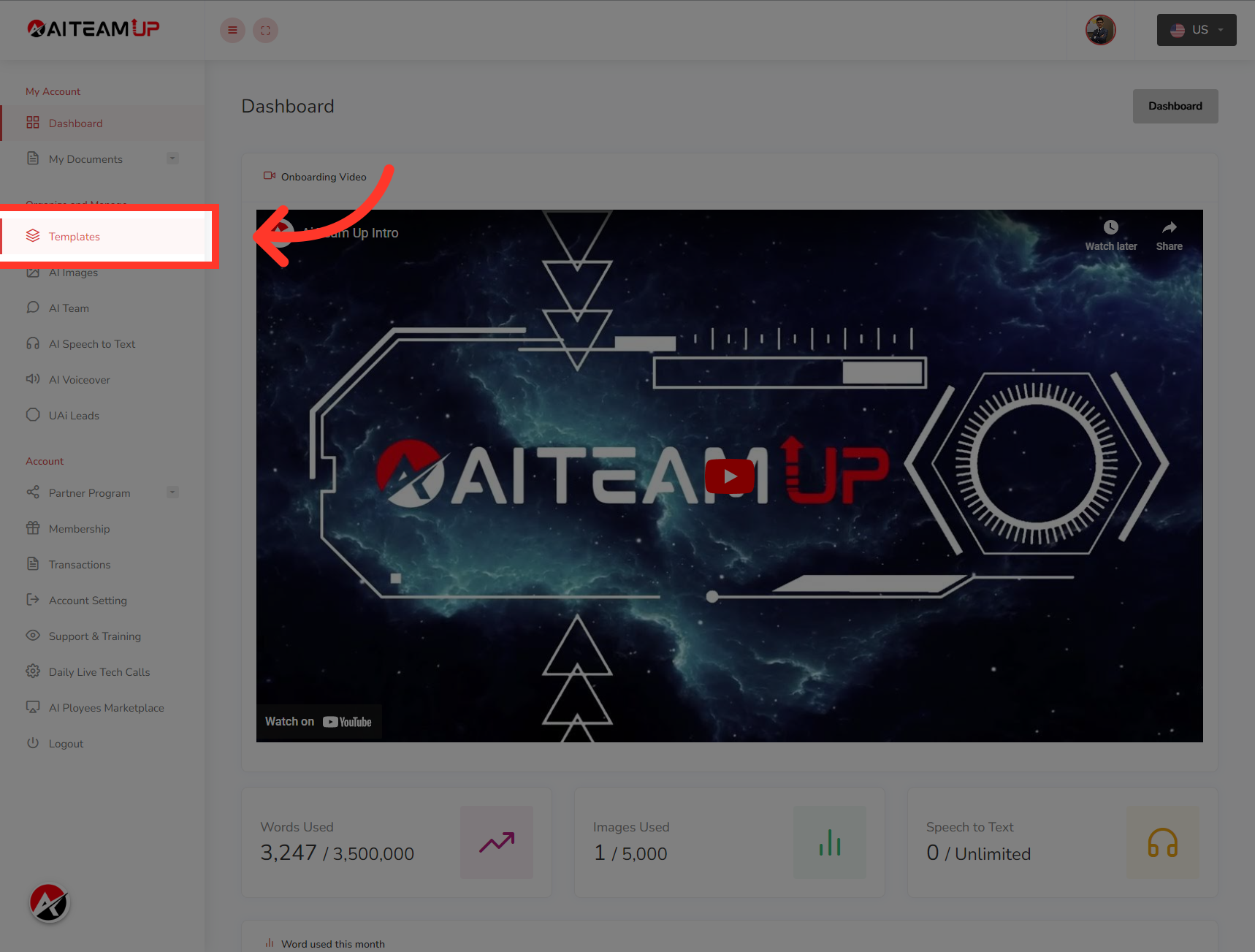
1. Login to your AI TeamUp account and Access the Templates section.
Login to your AI TeamUp account and Access the Templates section.
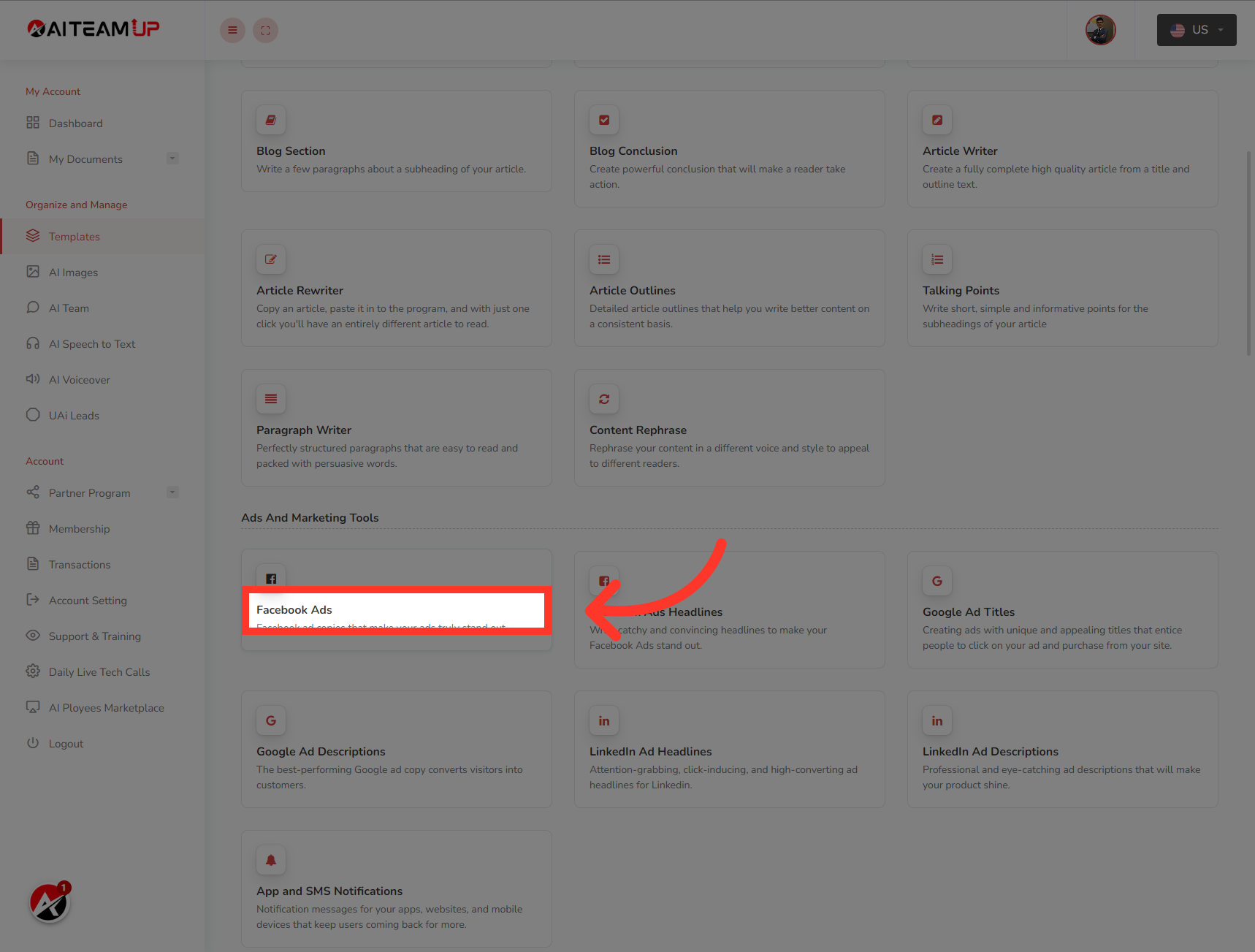
2. Click "Facebook Ads"
Navigate to "Facebook Ads"
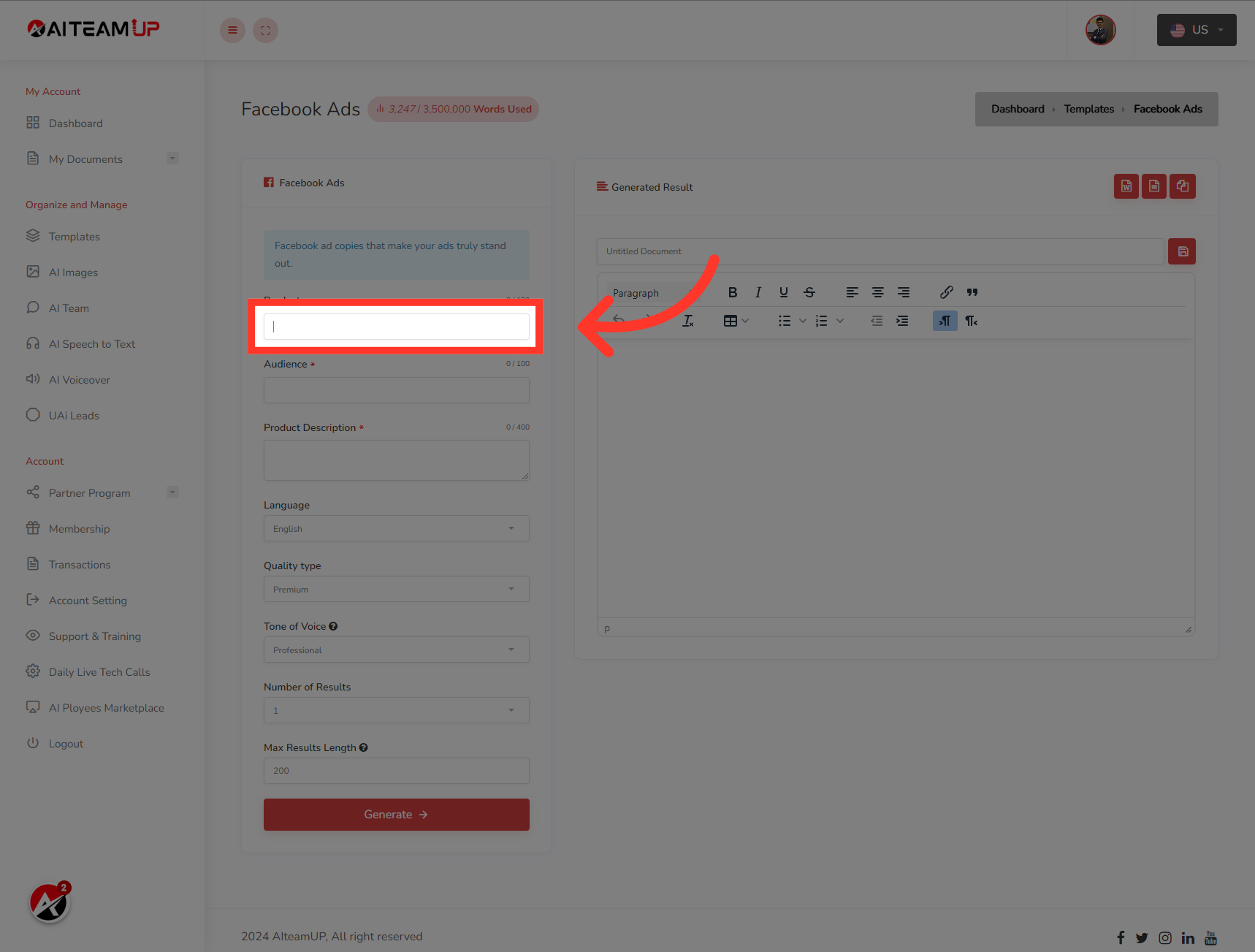
3. Provide the product name for your ad description
Provide the product name for your ad description
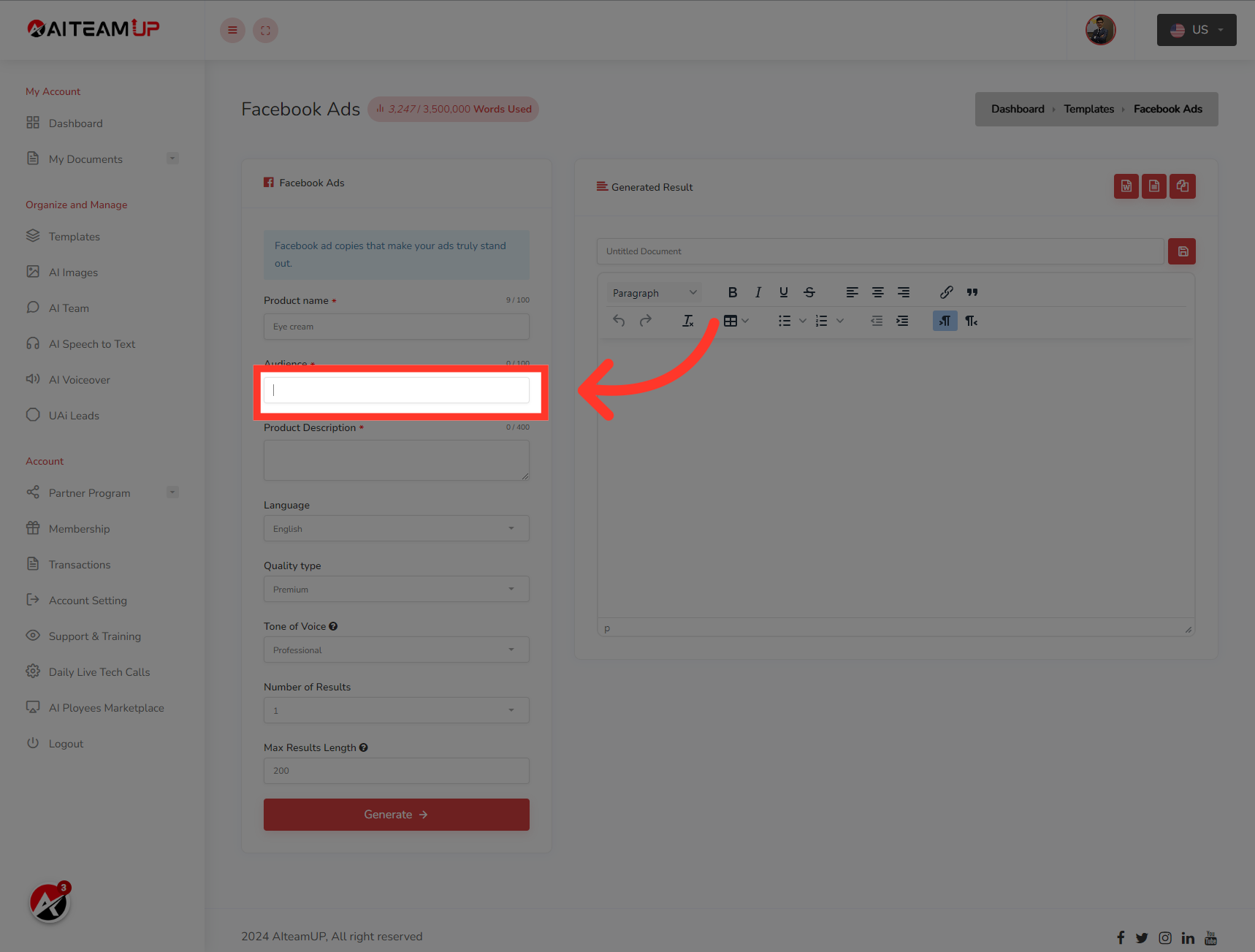
4. Provide the targeted audience information
Provide the targeted audience information
5. On this field, provide the product description.
On this field, provide the product description.
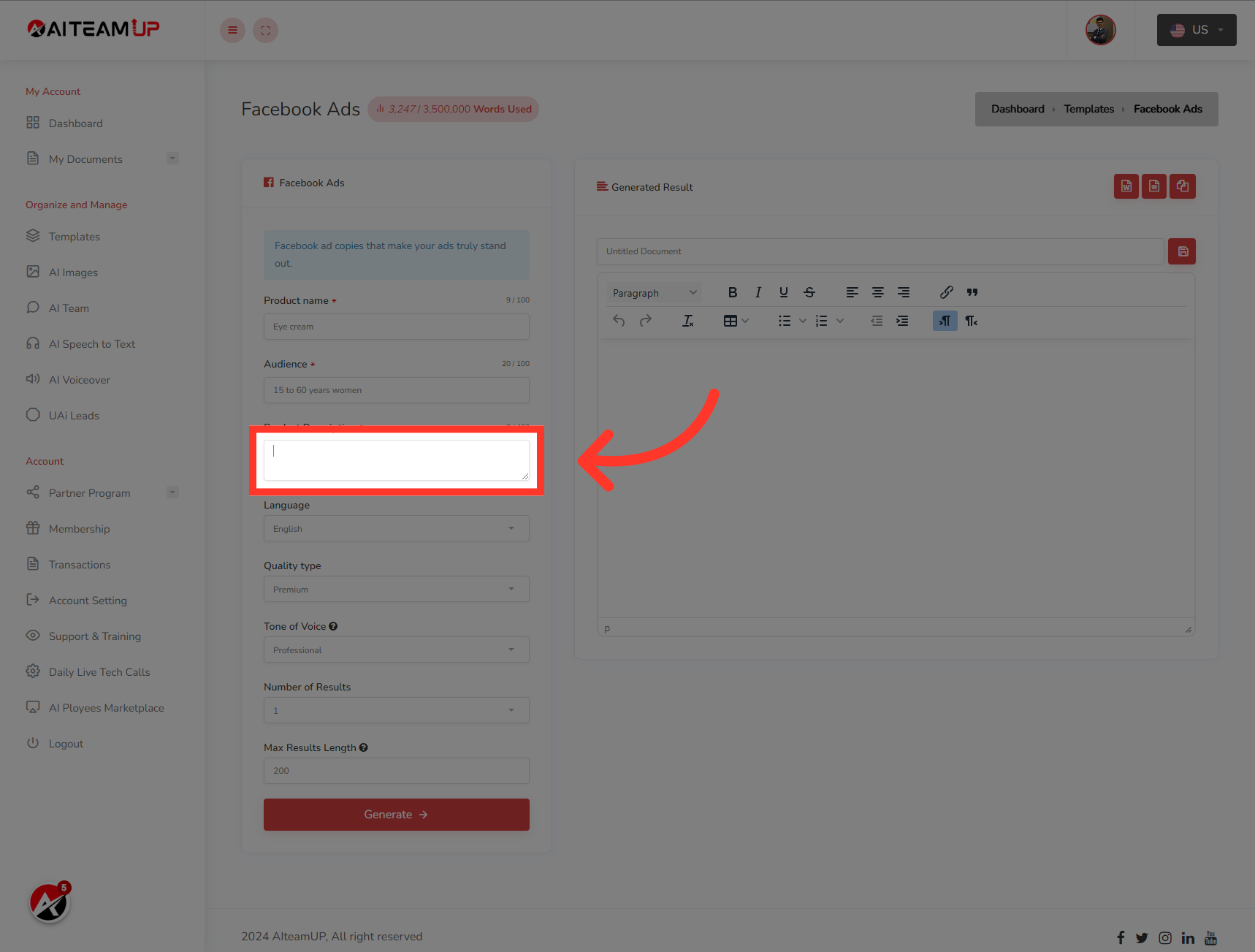
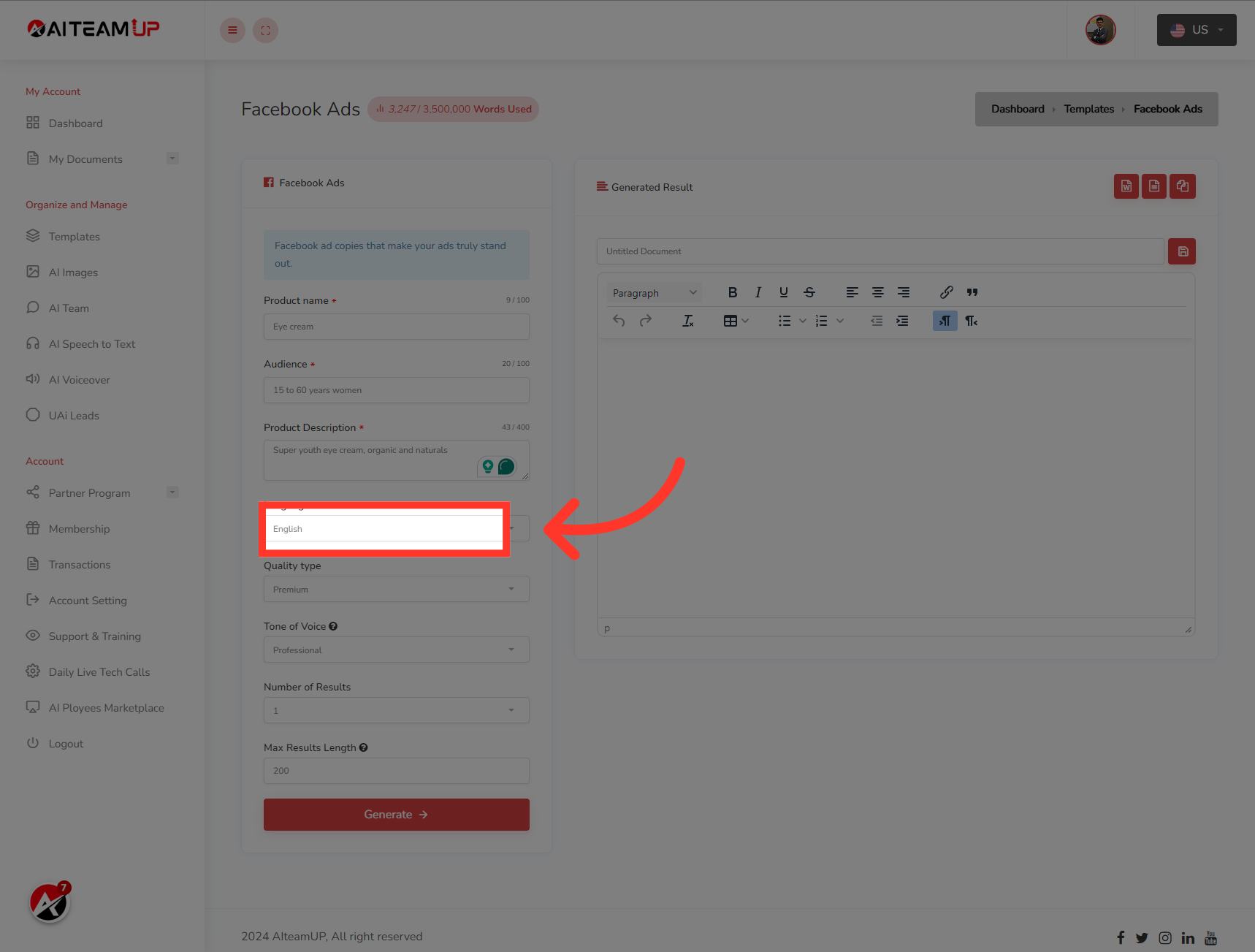
6. Select your preferred Language
Select your preferred Language
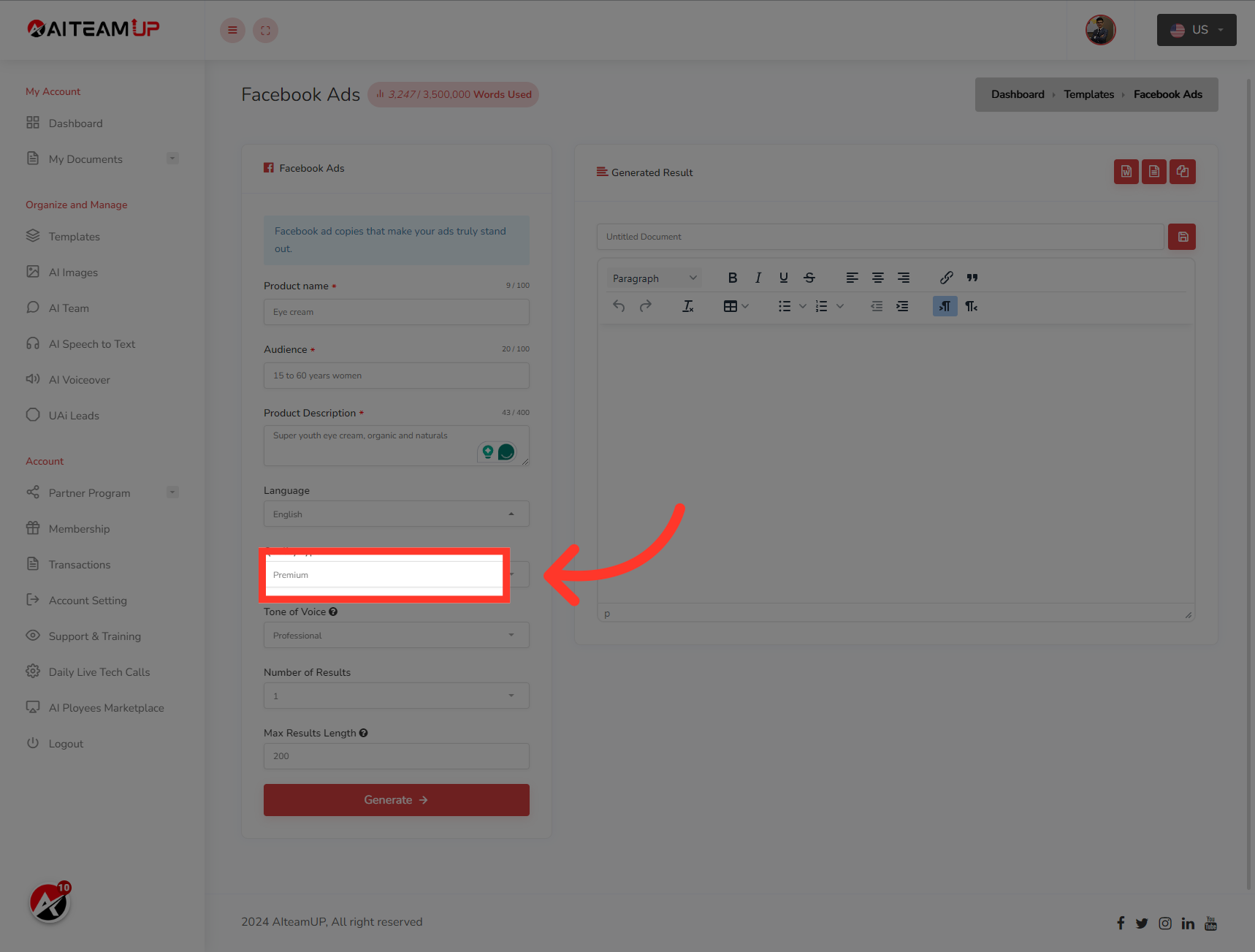
7. Choose the types of output you like.
Choose the types of output you like.
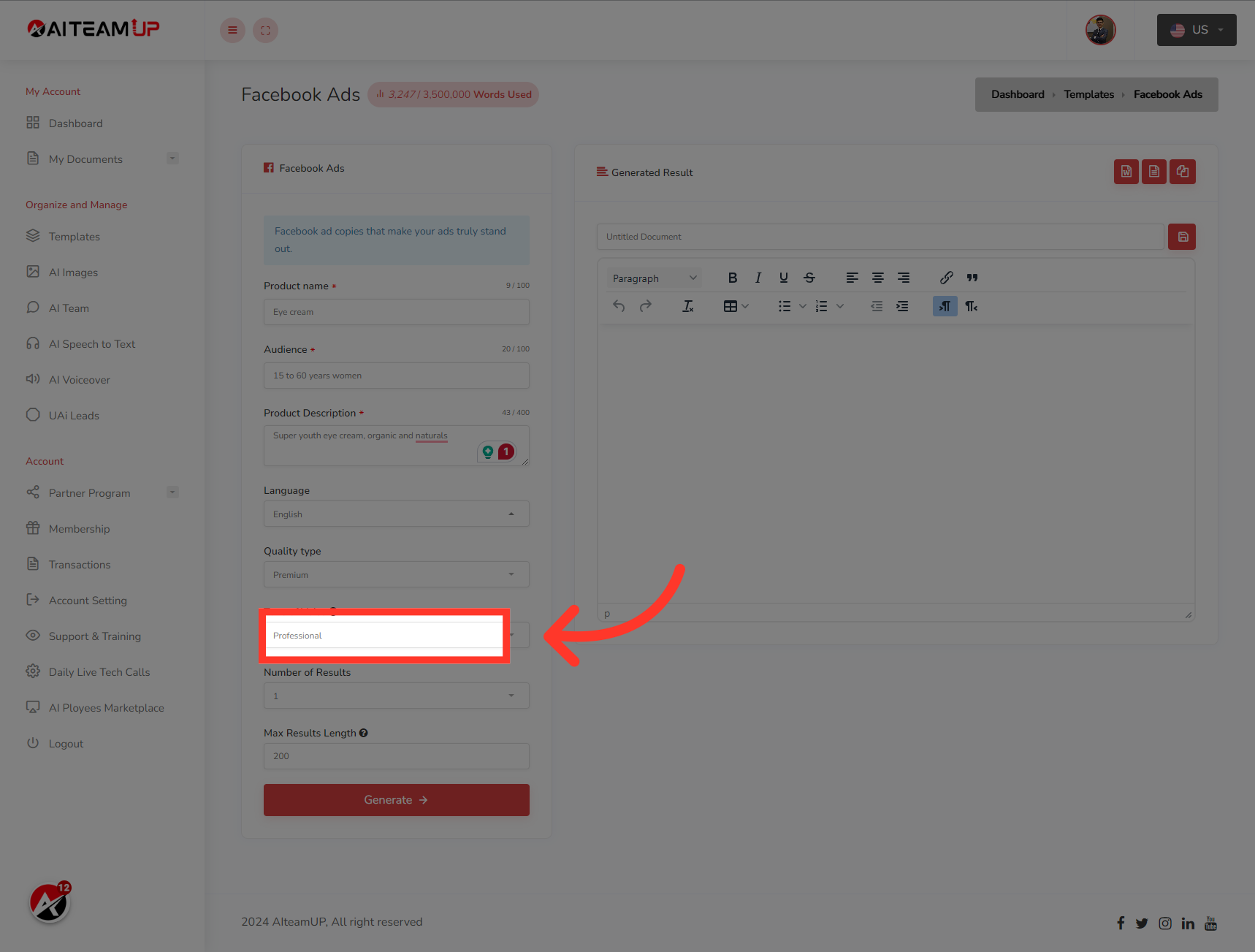
8. Select your preferred output tone of voice.
Select your preferred output tone of voice.
9. Select the number of results and variations you would like to generate.
Select the number of results and variations you would like to generate.
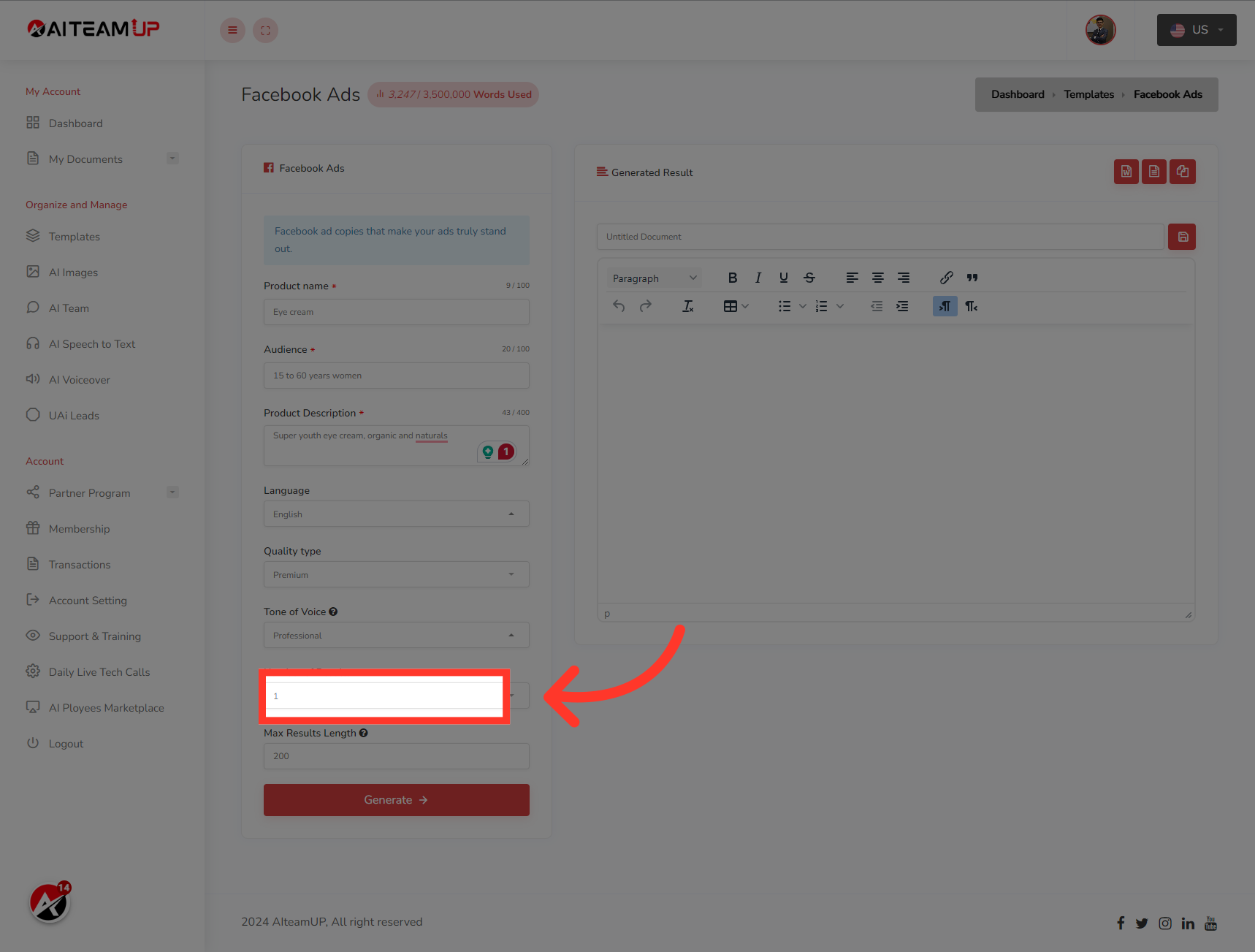
10. Input the result length as you like.
Input the result length as you like.
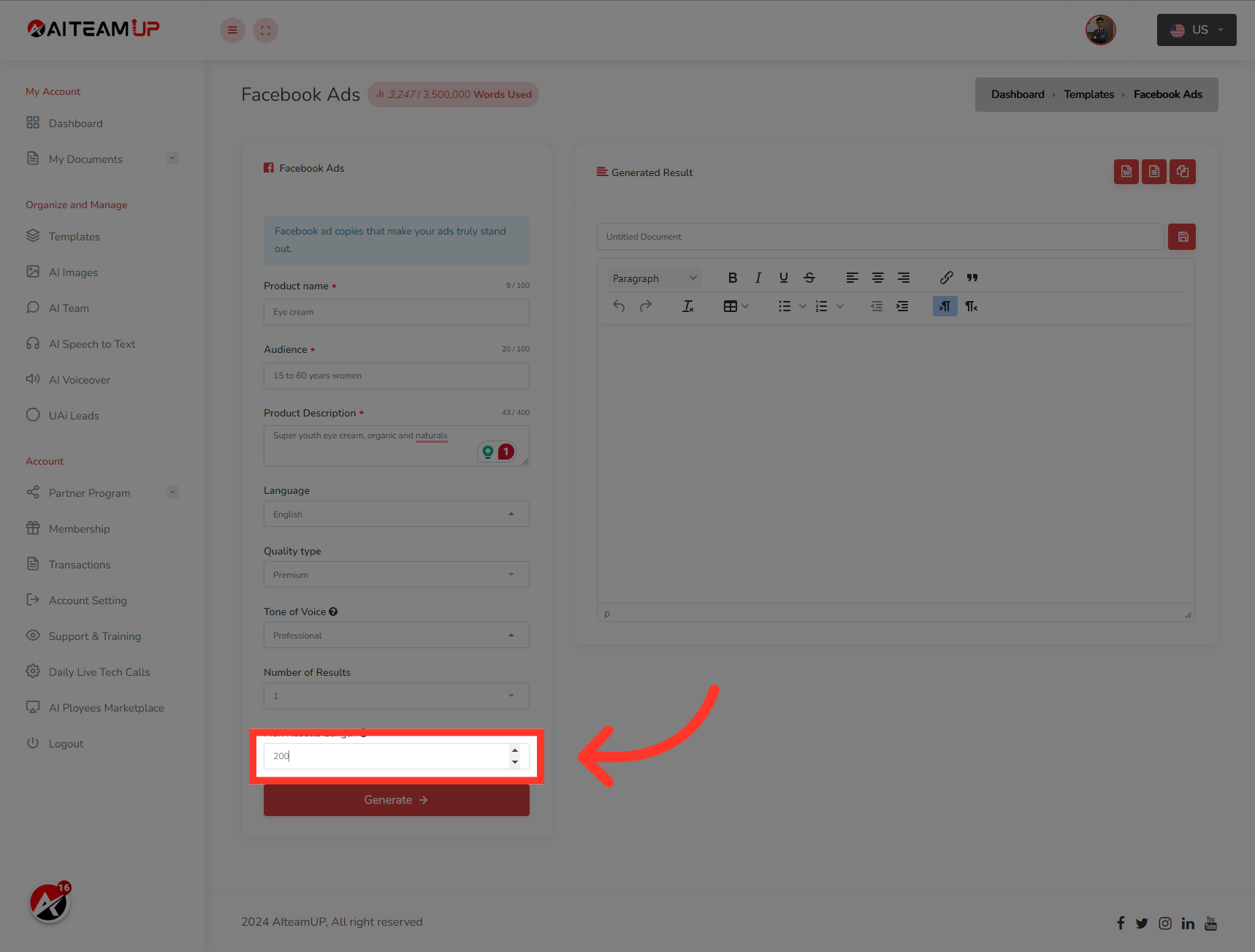
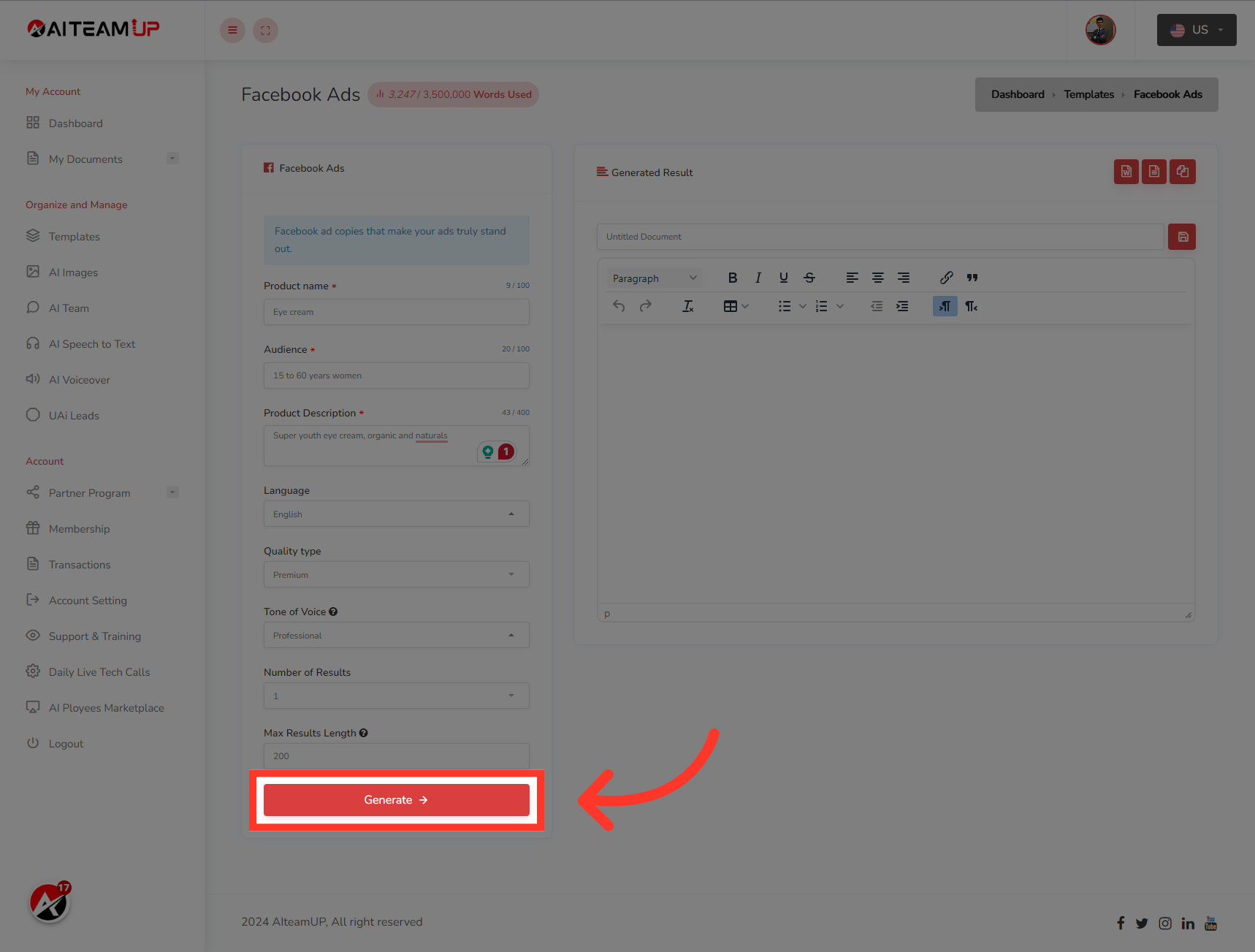
11. Click "Generate"
Choose the "Generate" option
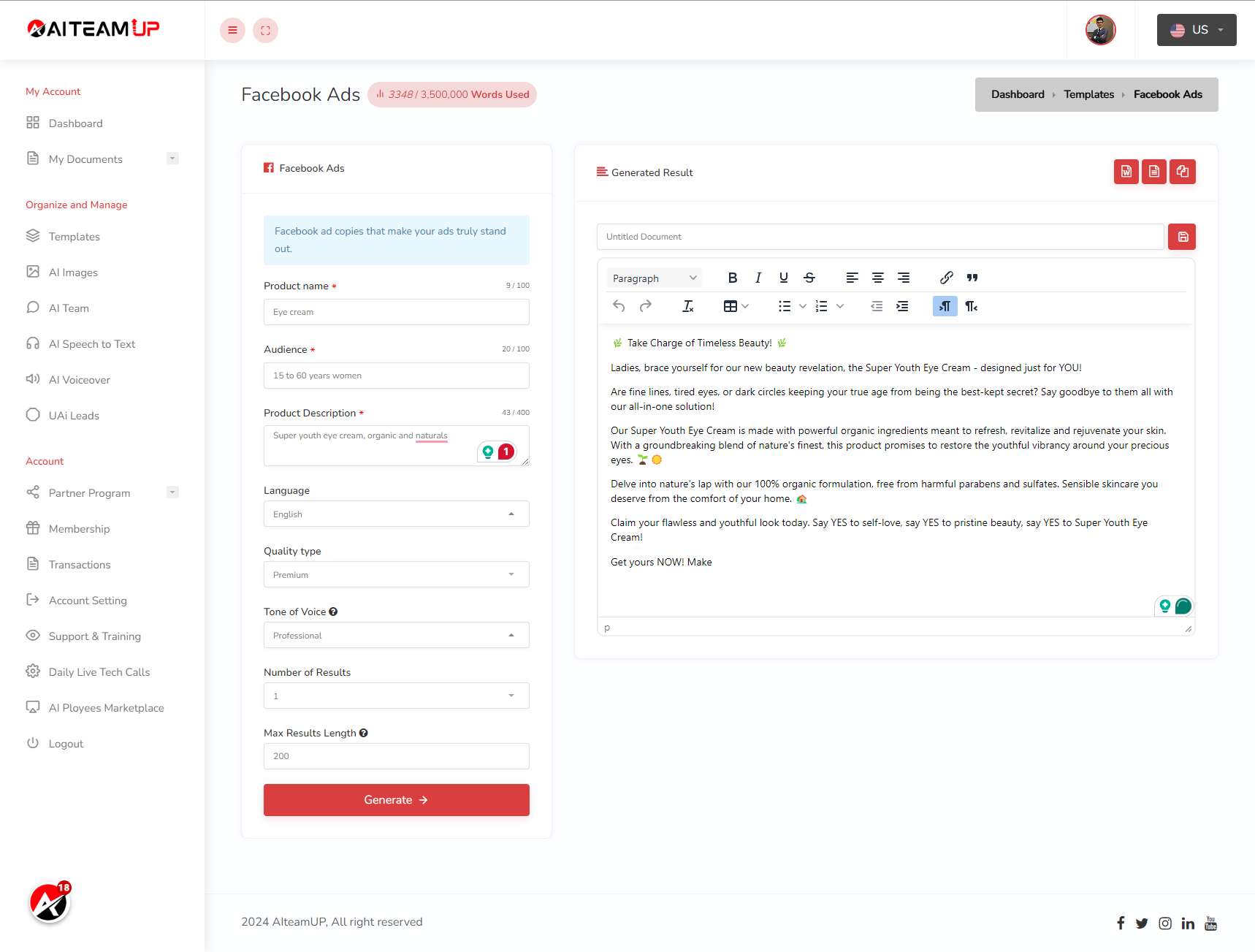
12. Switch to here
After that, you will be able to see the generated result on the right side.
This guide covered the steps required to How to use AI TeamUp Templates for Facebook Ads in Aiteamup.

AI Team Up
AI Team Up