
 ENGLISH (US)
 ESPAÑOL
How to create new UAI leads bot
This guide will walk you through the process to How to create new UAI leads bot using Aiteamup.
Go to aiteamup.com
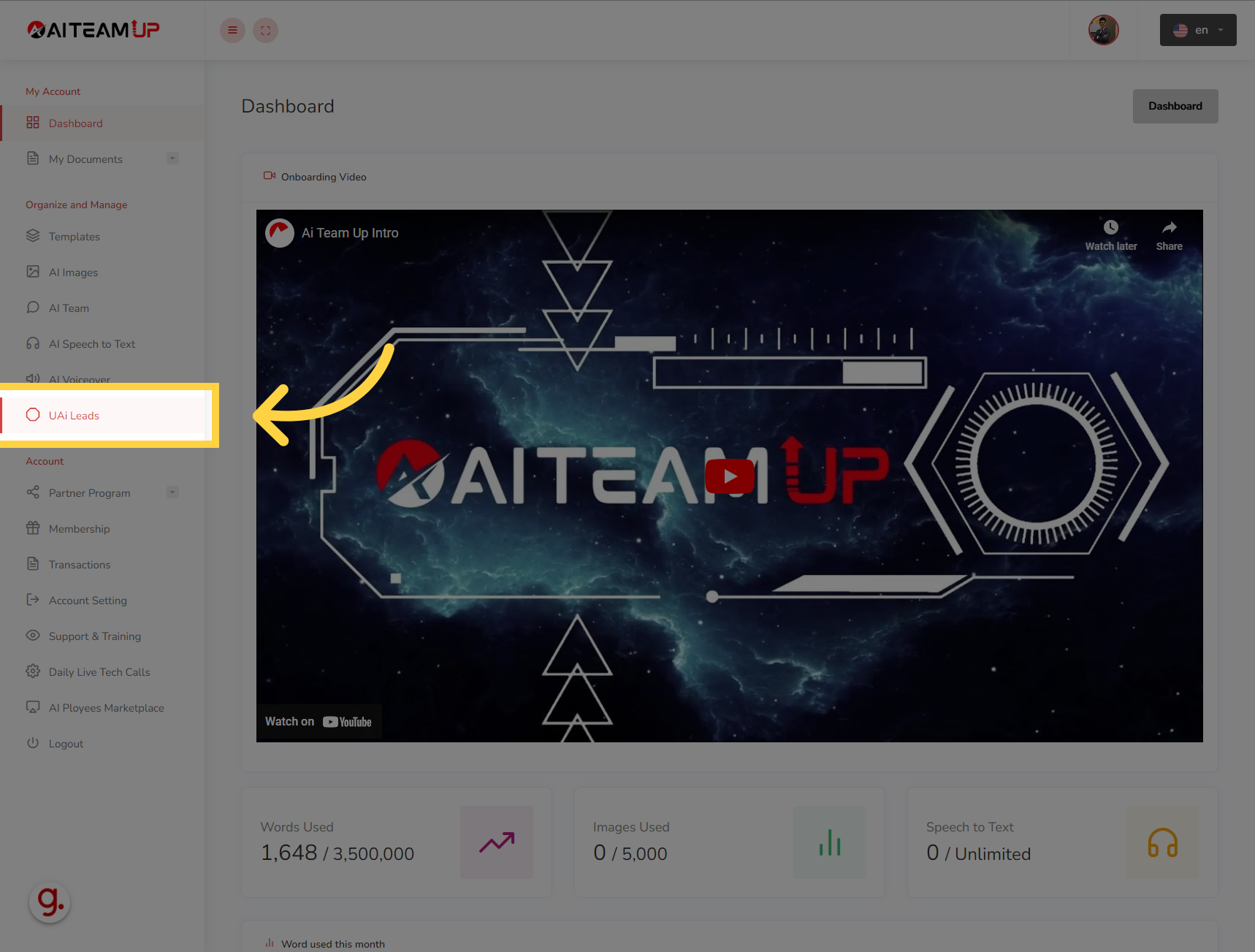
1. Click "UAi Leads"
Click on "UAi Leads"
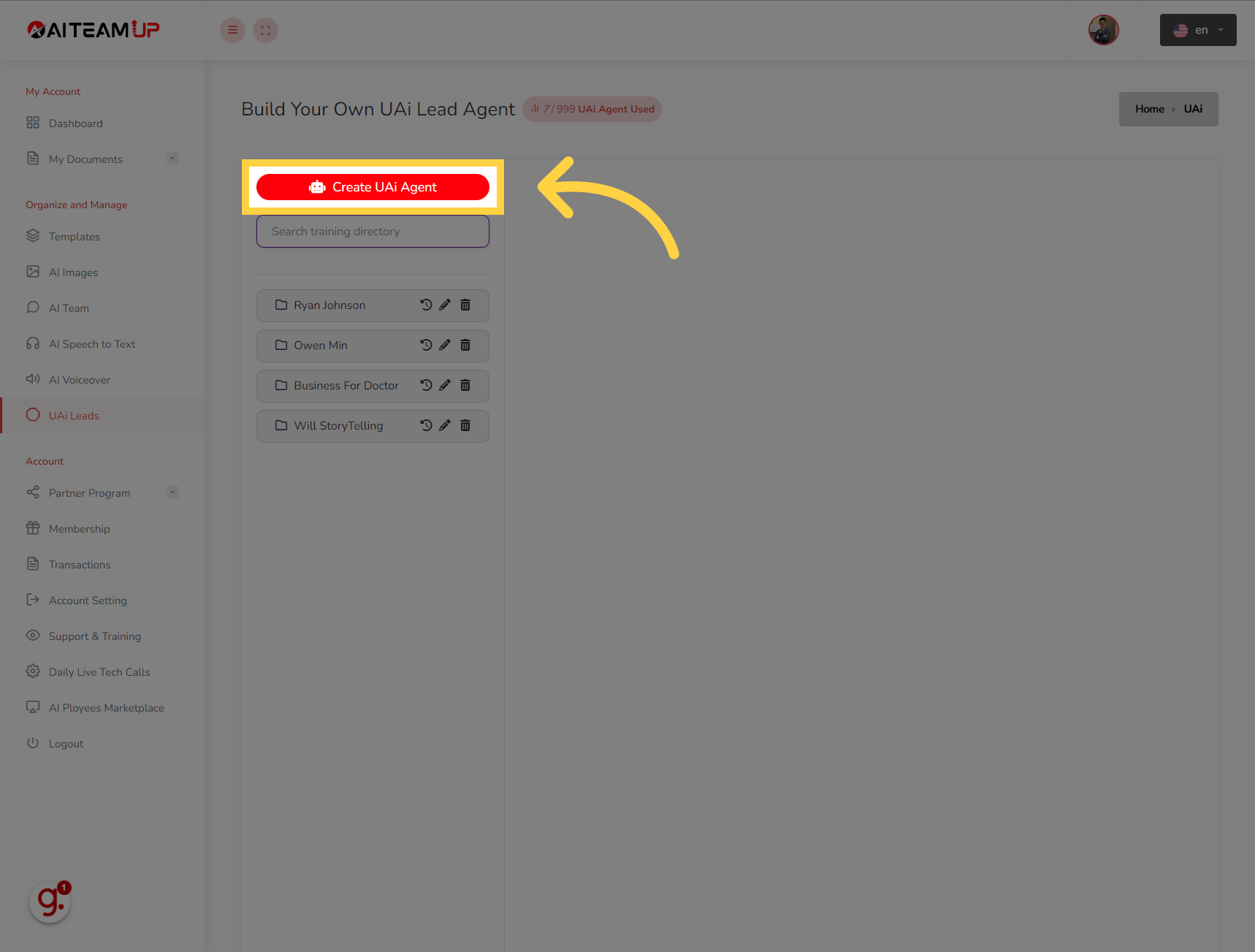
2. Click "Create UAi Agent"
Navigate to "Create UAi Agent"
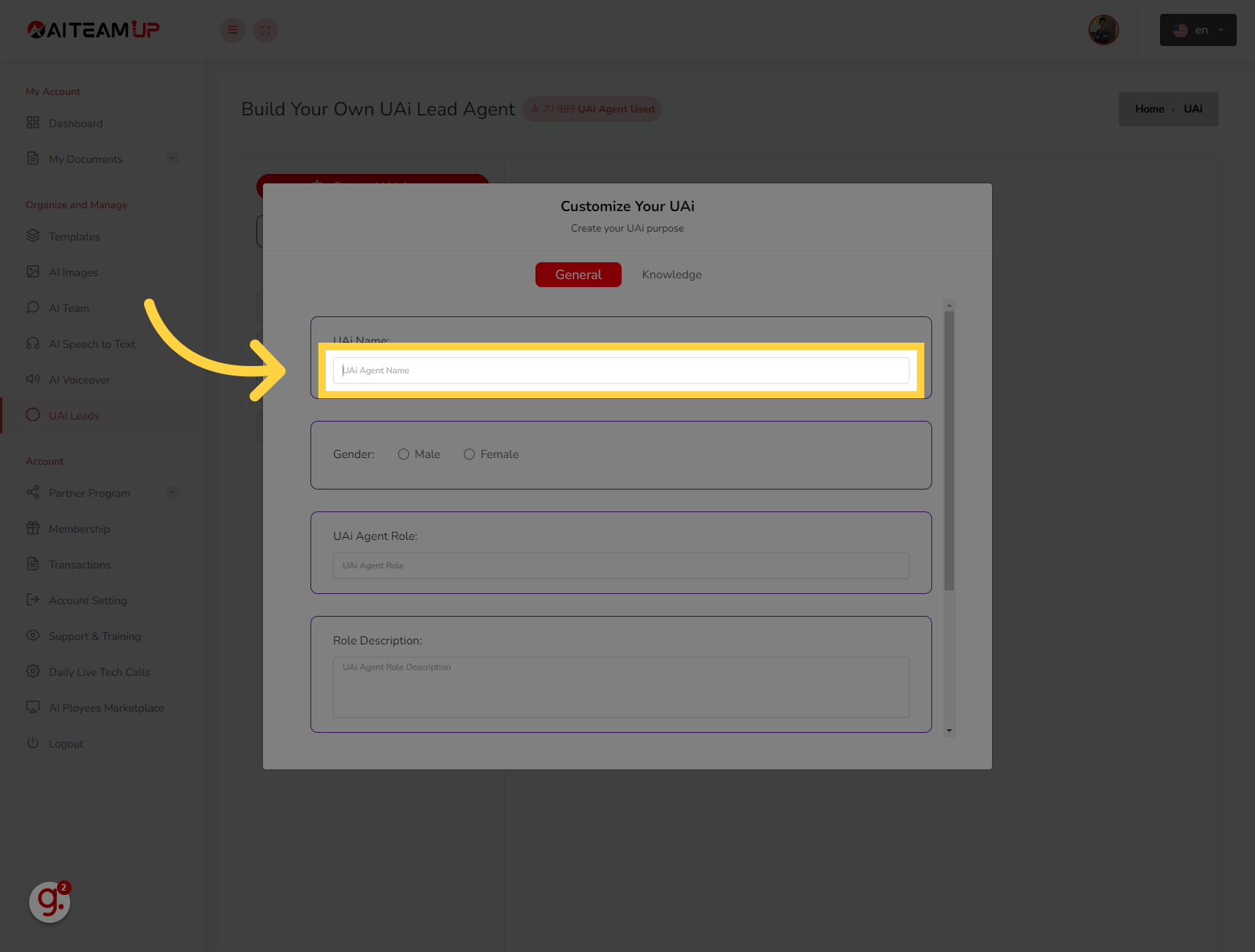
3. Give a name for your UAI Lead agent
Give a name for your UAI Lead agent
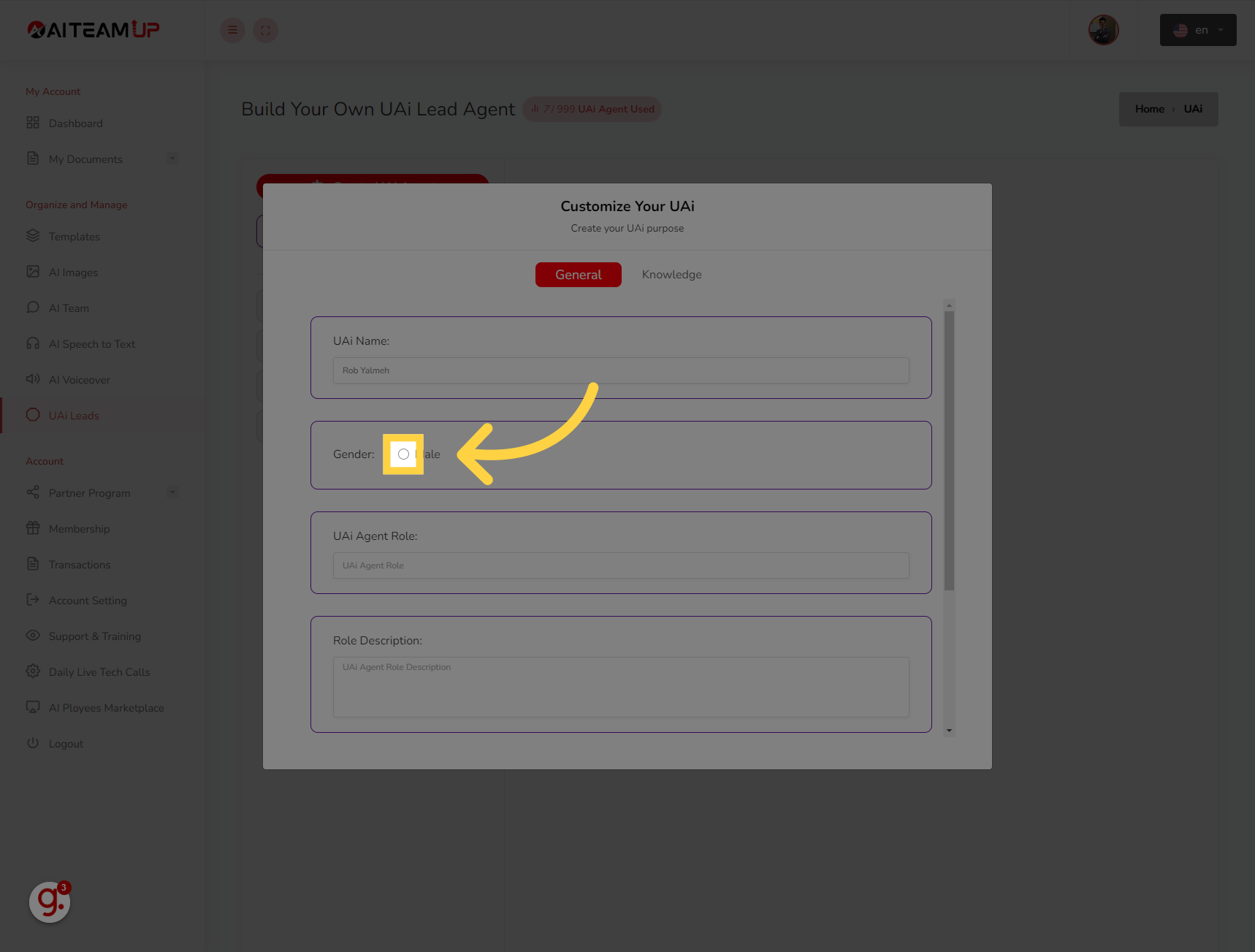
4. Choose the "Gender" you want for the UAI Lead agent
Choose the "Gender" you want for the UAI Lead agent
5. Name the role for your UAI lead agent
Name the role for your UAI lead agent
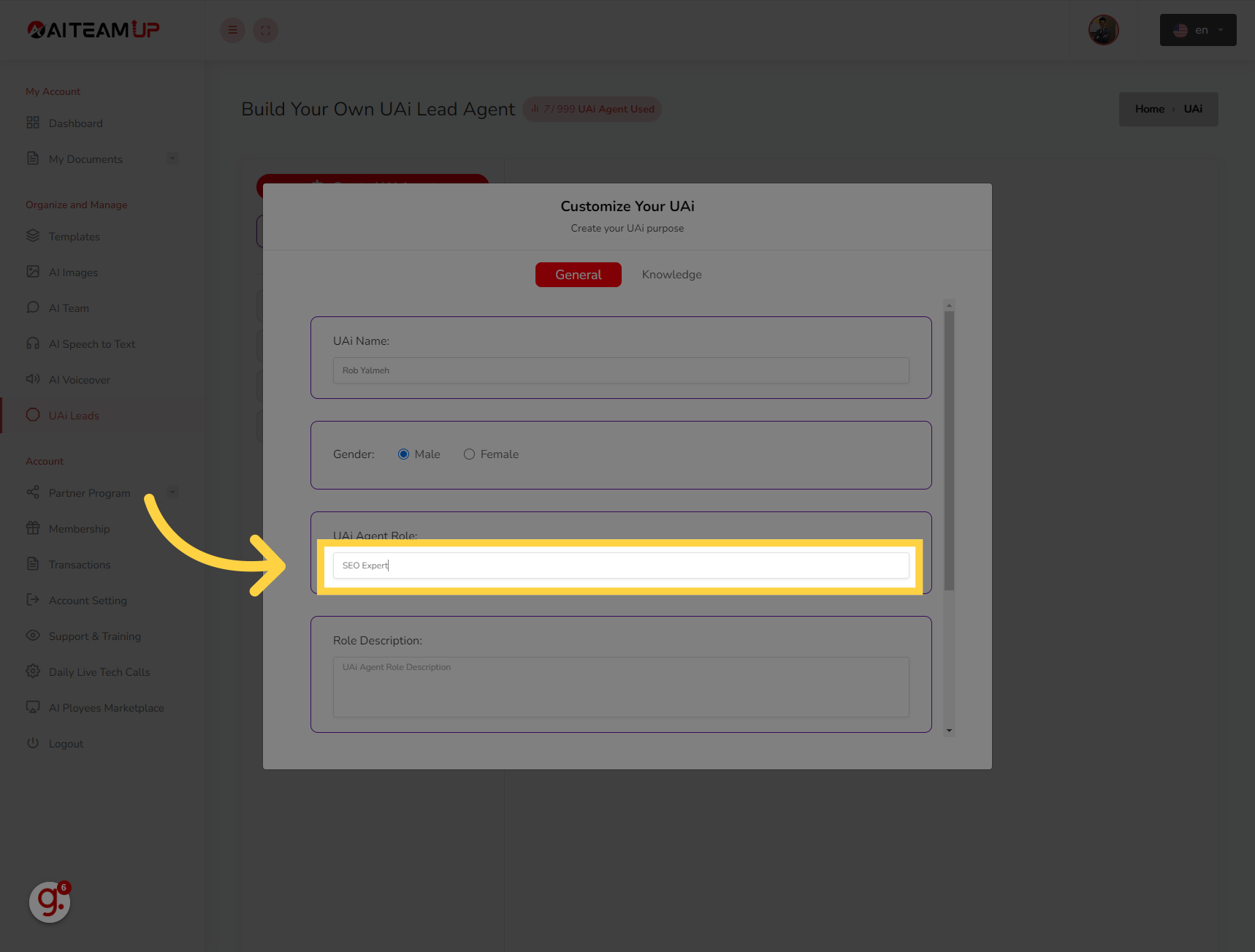
6. Click "UAi Agent Role Description"Click on the "UAi Agent Role Description" field and write the details about the UAI lead agent.
Click on the "UAi Agent Role Description" field and write the details about the UAI lead agent.
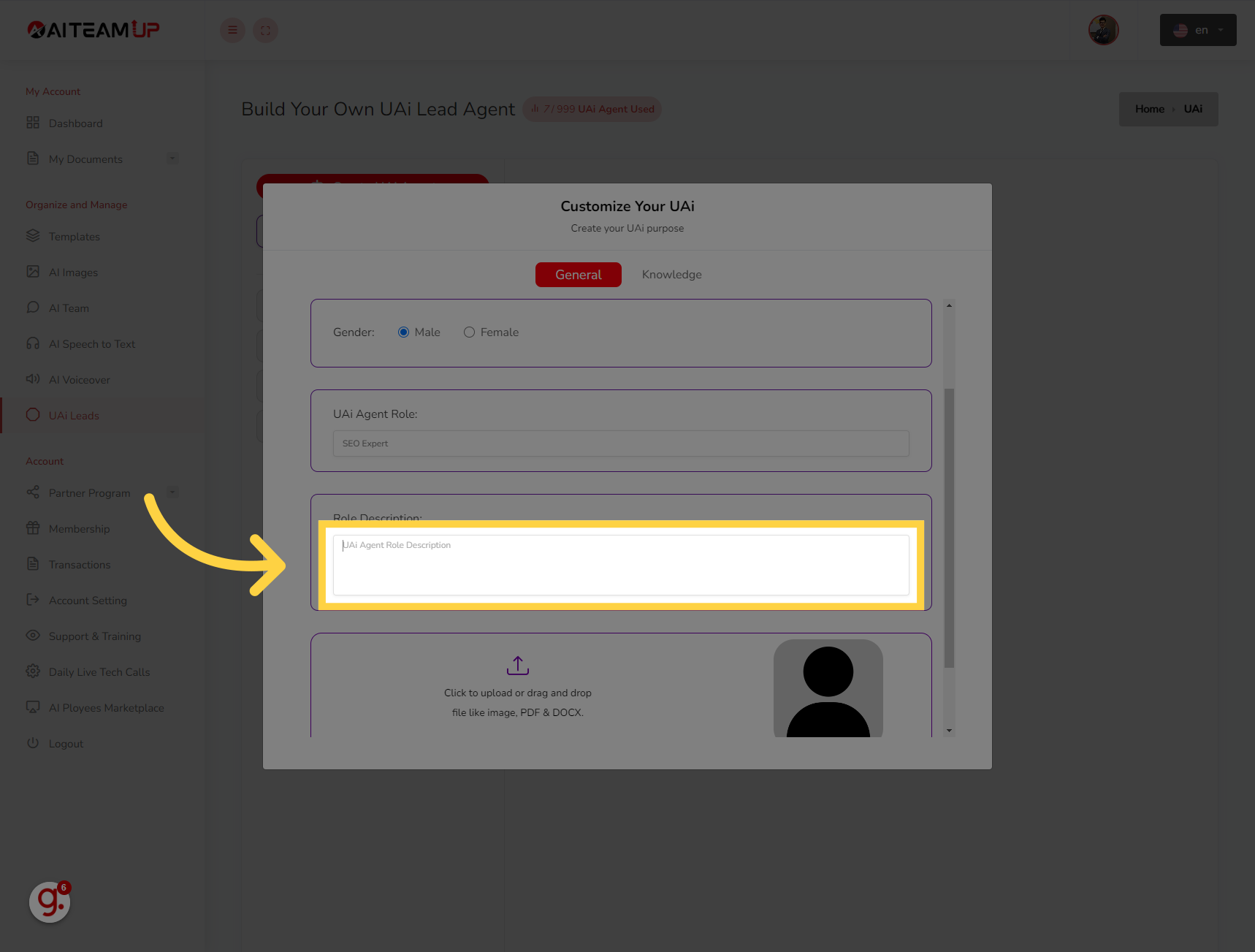
7. Upload an Image for your UAI lead agent.
Upload an Image for your UAI lead agent.
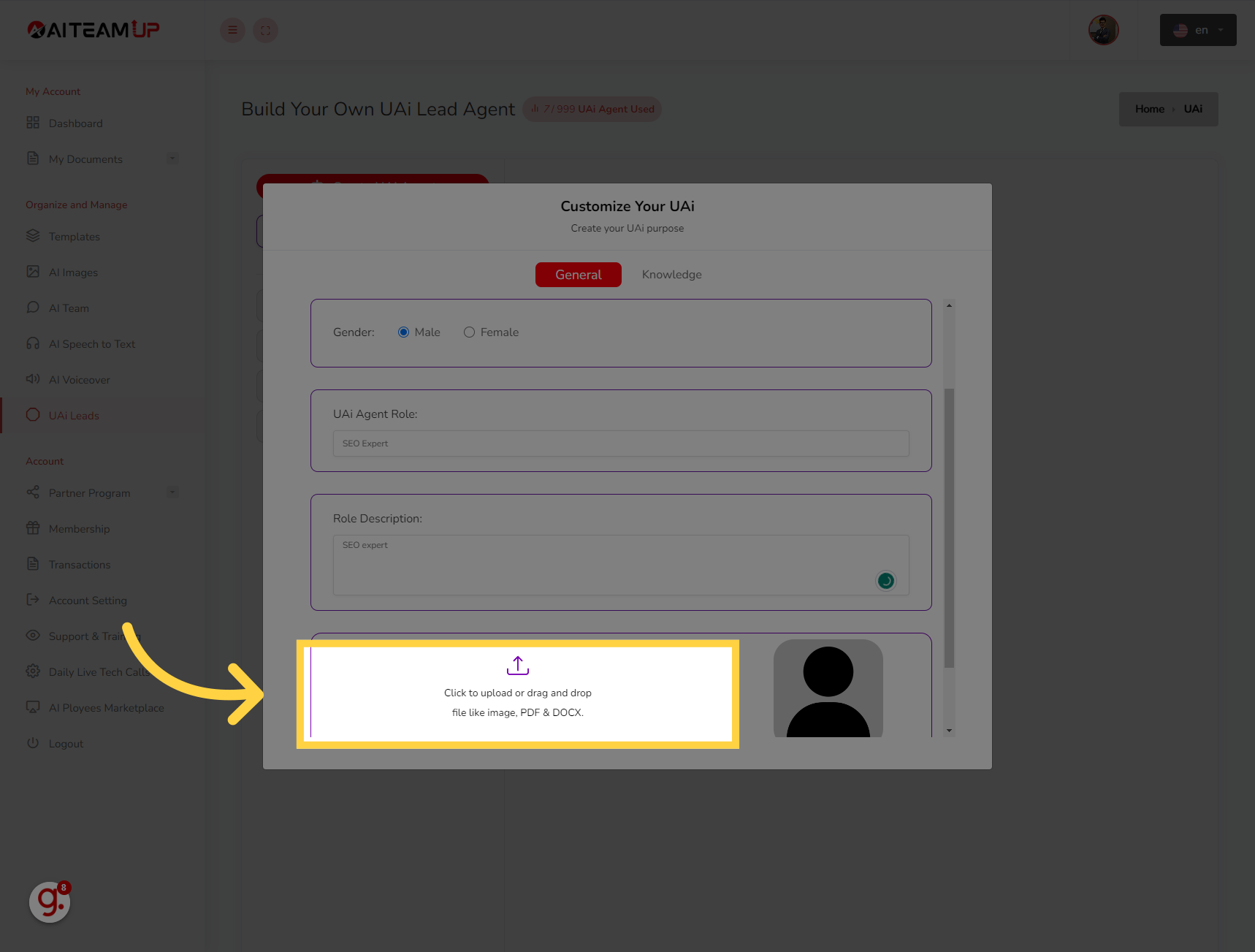
8. Click "Knowledge"
Select the option to "Knowledge"
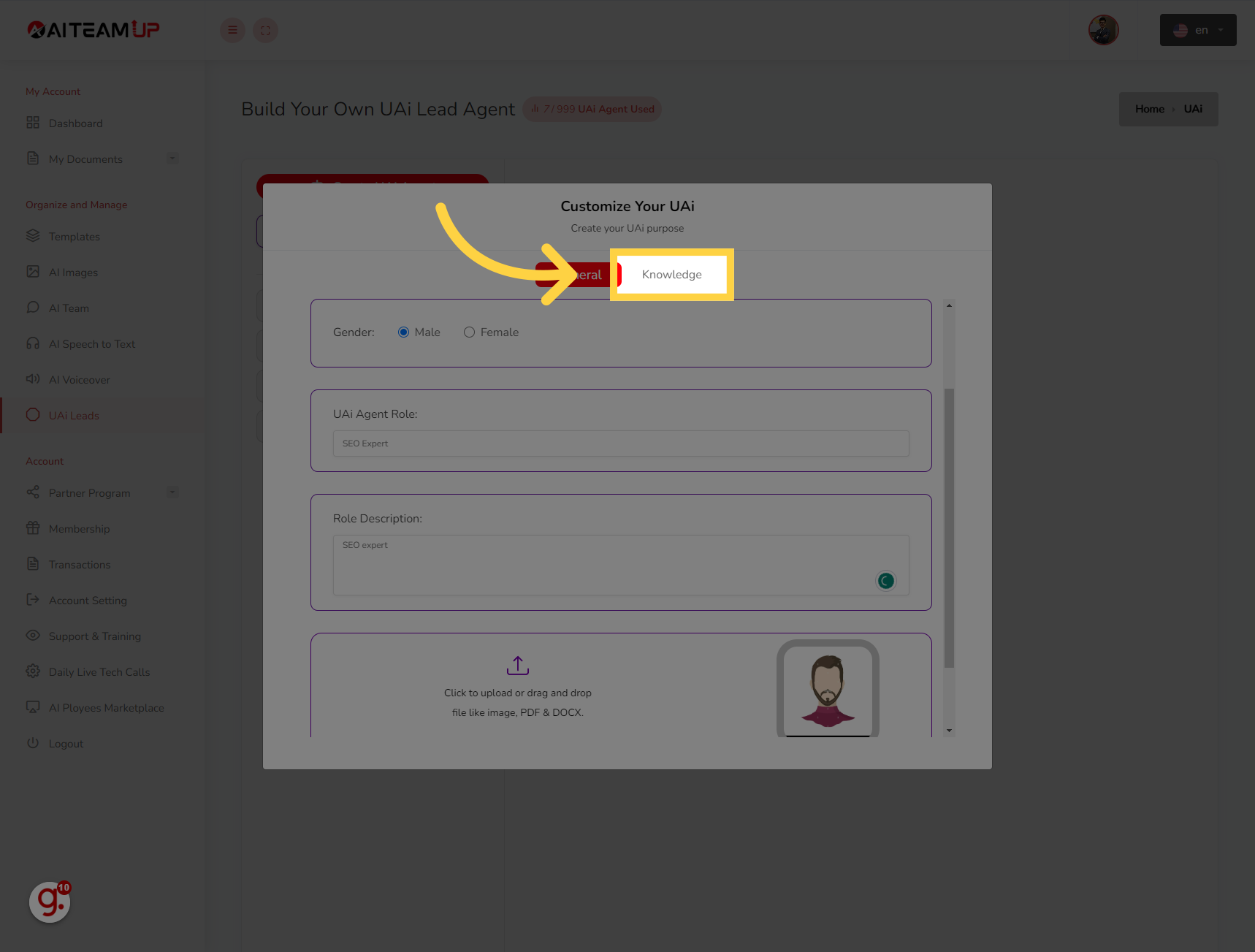
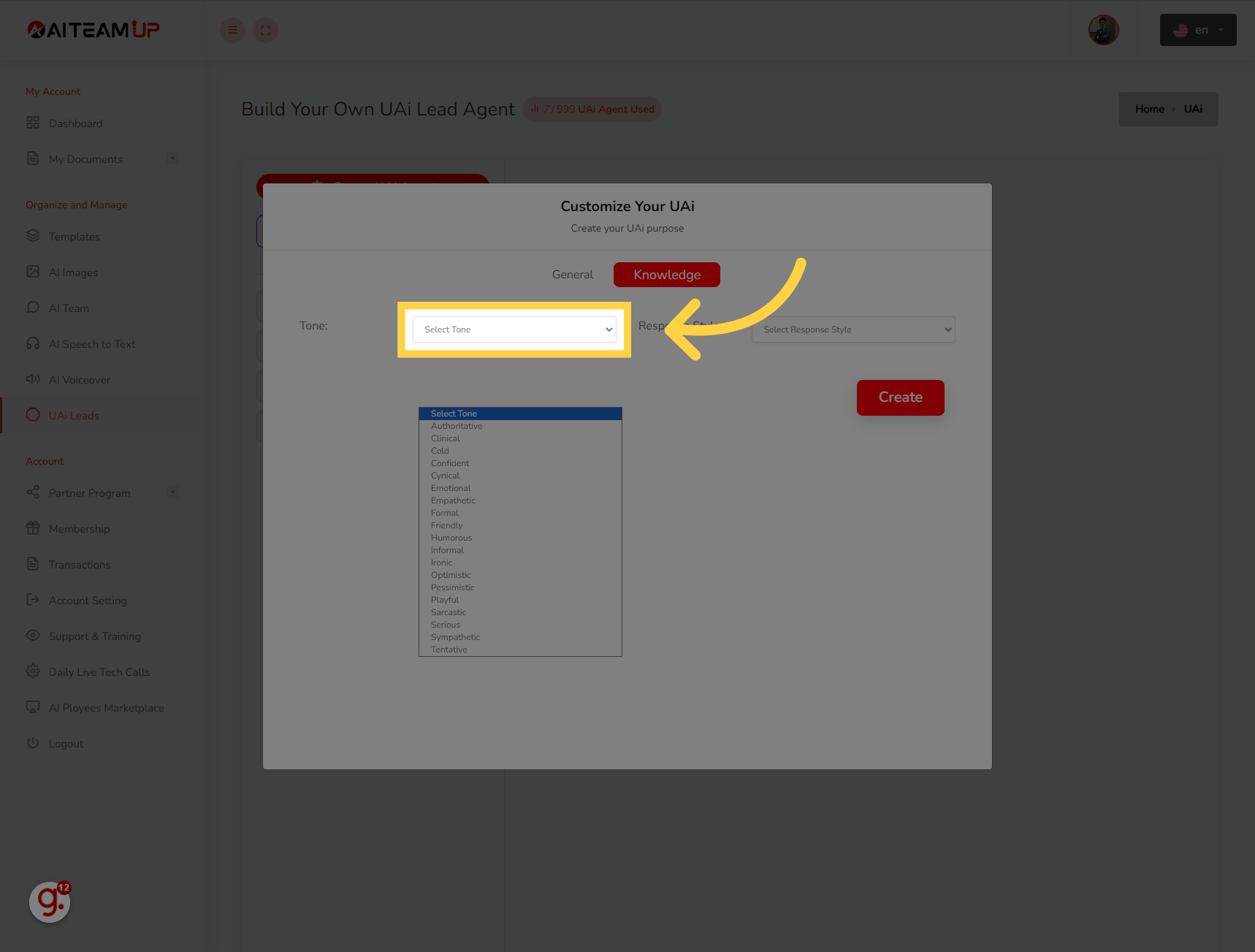
9. Select a voice tone for your Agent.
Select a voice tone for your Agent.
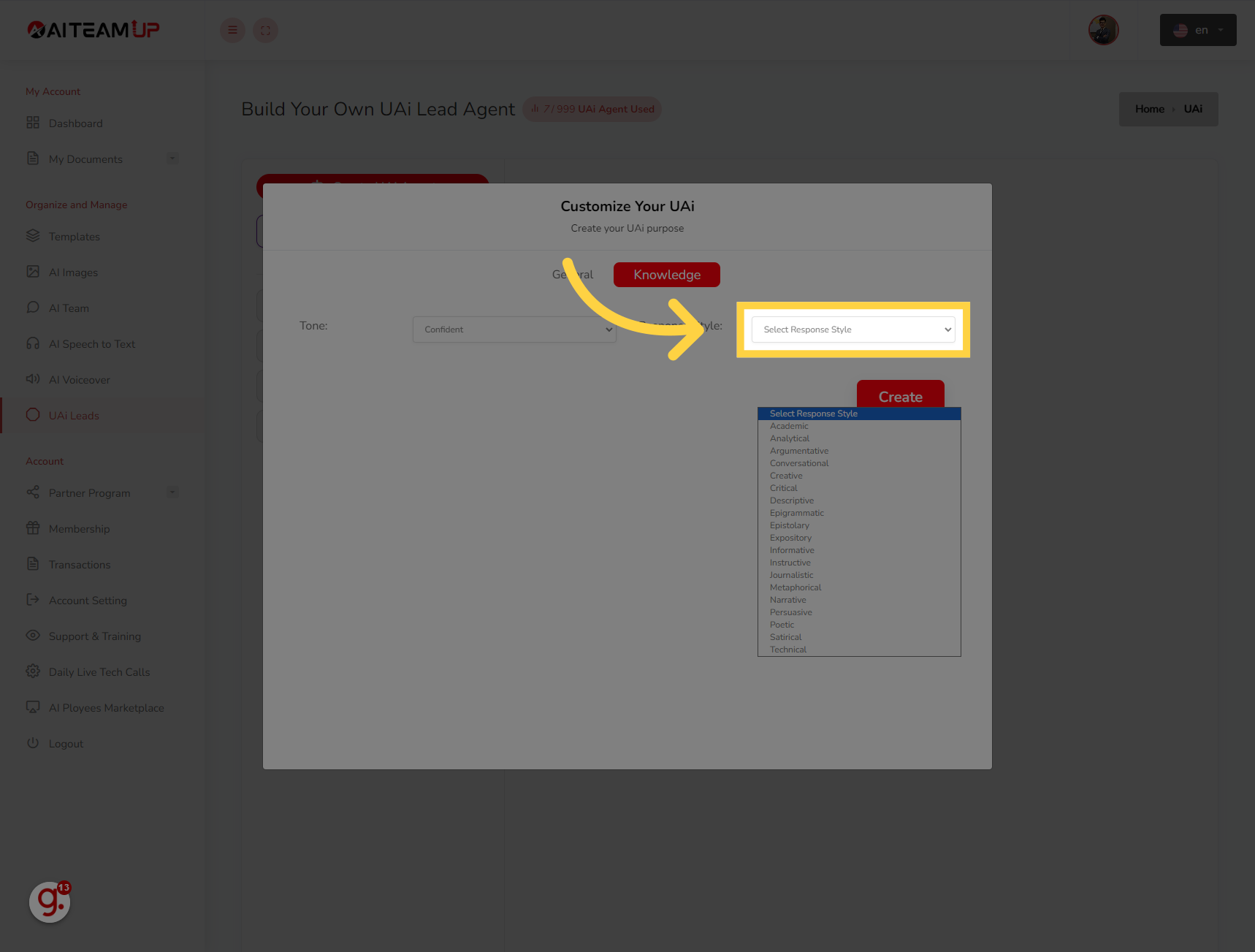
10. Select the response style.
Select the response style.
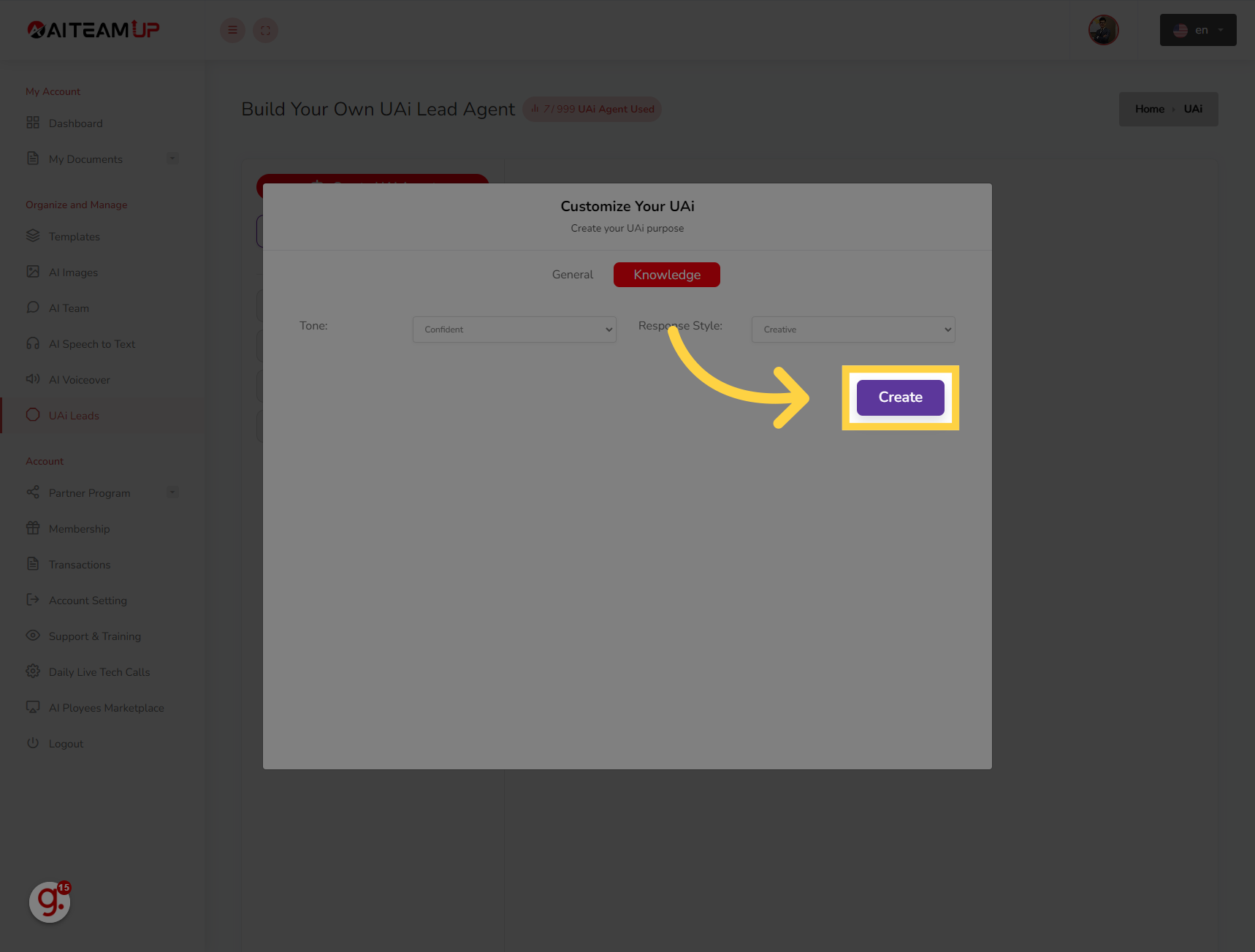
11. Click "Create"
Click on "Create"
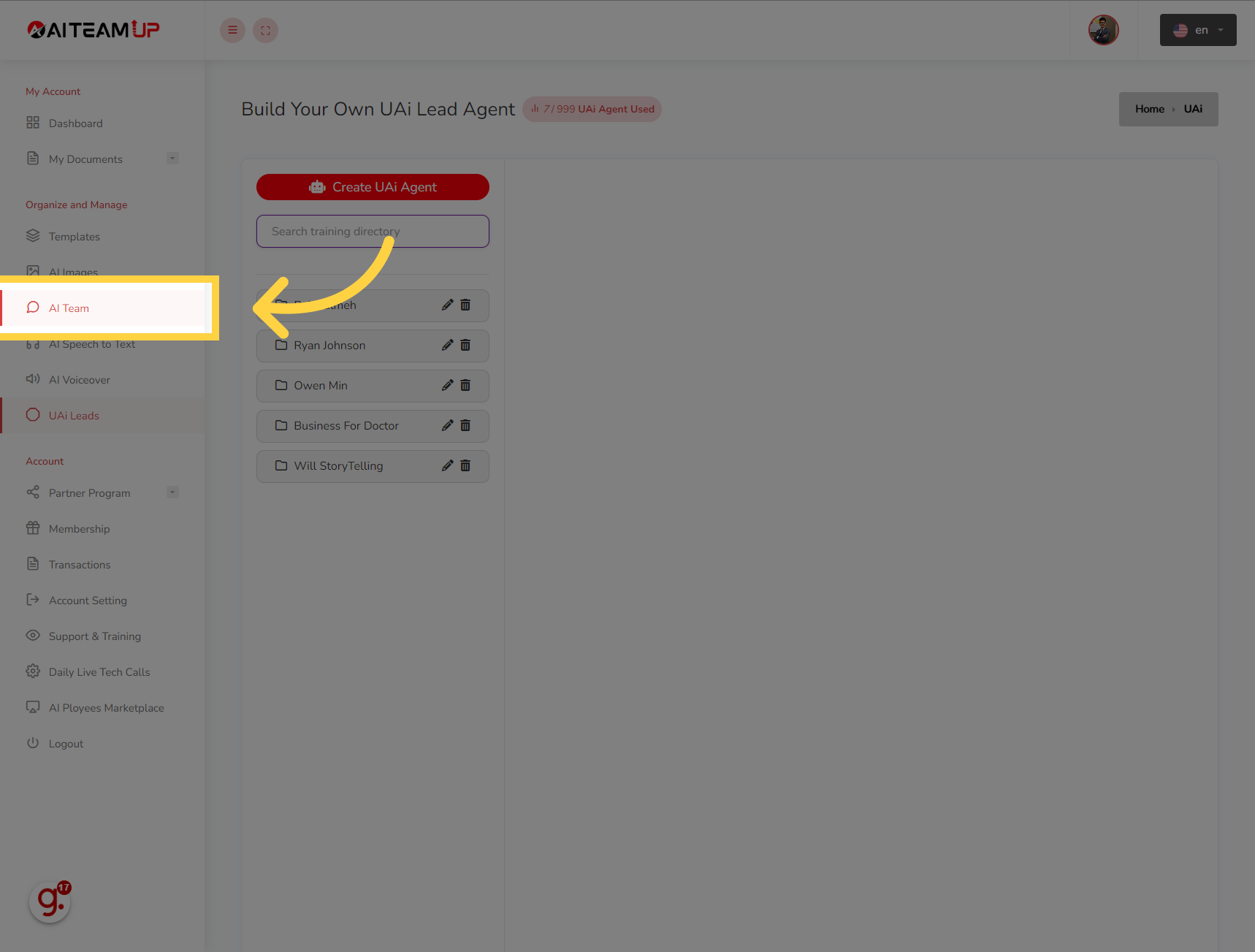
12. Click "AI Team"
Navigate to "AI Team"
13. Click "UAi Agent"
Select the "UAi Agent" option

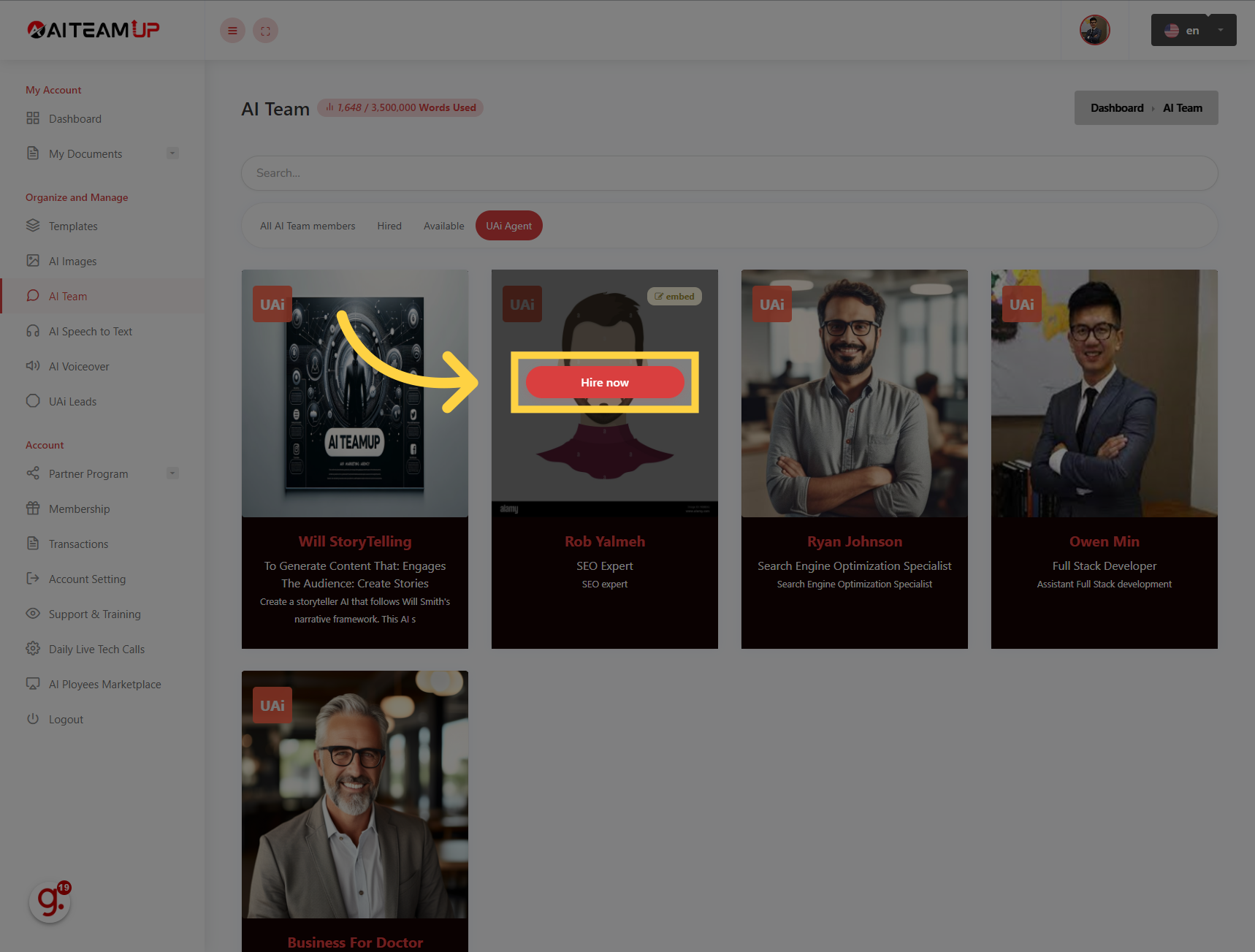
14. Click "Hire now"
Choose the "Hire now" option
This guide covered the steps to How to create new UAI leads bot in Aiteamup.

AI Team Up
AI Team Up